Background

iOS App Development Services

Create seamless, high-performance iOS apps with native excellence.

You agree to our Privacy Policy

iOS App Development Services in USA for Scalable SolutionsLeaf

At Space to Tech Technology, we specialize in delivering robust, scalable, and performance- driven iOS app development services tailored to meet the needs of startups, enterprises, and digital agencies worldwide. With Apple’s ecosystem continuously setting standards in innovation and user experience, our expert team ensures your iOS application aligns perfectly with platform guidelines and exceeds user expectations.

As a trusted name in mobile development, we offer end-to-end iOS app development services—from ideation, UI/UX design, and development to App Store deployment and maintenance. Our development process is fueled by Swift, Objective-C, and the latest Apple frameworks, ensuring your app performs flawlessly across all iOS devices including iPhones, iPads, and Apple Watches.

We also offer localized expertise with our iOS development service in USA, addressing compliance, market behavior, and UI/UX preferences specific to North American users. Whether you're launching a consumer-facing app or an enterprise-grade platform, we combine engineering excellence with creativity to bring your vision to life.

What We Offer in Our Ios App Development Services

icon

Custom iOS App Development

We build high-quality, tailor-made iOS apps that align with your unique business objectives. From native iPhone applications to iPad utilities, we deliver feature-rich, user-friendly solutions across various Apple devices.

icon

Enterprise iOS Application Development

Our enterprise-grade iOS solutions help organizations streamline workflows, improve productivity, and ensure data security. We develop apps that integrate seamlessly with your internal systems and enterprise software stack

icon

iOS App Testing Services

Quality is non-negotiable. Our dedicated QA team performs rigorous iOS app testing services including functional testing, usability testing, performance testing, and compatibility testing to ensure a smooth and error-free user experience.

icon

UI/UX Design for iOS Apps

We follow Apple’s Human Interface Guidelines to design stunning interfaces that are intuitive, responsive, and optimized for every screen size. Our designs enhance user engagement while maintaining brand consistency.

icon

iOS App Integration and API Development

We create secure, scalable APIs and integrate your iOS apps with third-party services, including payment gateways, CRM systems, analytics tools, and cloud platforms—expanding your app’s capability and connectivity.

icon

App Store Deployment and Support

From provisioning profiles to App Store listing and approvals, we manage the entire deployment process. Post-launch, we offer continuous support, version updates, and user analytics to keep your app performing optimally.

Advantages of iOS App Development for Your BusinessLeaf

  • Premium User Experience

    iOS apps are known for their smooth performance, sleek design, and high-quality user interactions. Investing in iOS ensures your app resonates with discerning users.
  • Higher Security Standards

    Apple’s closed ecosystem and strict review guidelines offer unmatched data security and user privacy, making iOS ideal for apps handling sensitive information.
  • Strong ROI and Monetization

    iOS users typically have higher purchasing power and are more willing to pay for apps, enabling better revenue generation through subscriptions, in-app purchases, and premium content.
  • Loyal and Active User Base

    iOS users are highly engaged and brand-loyal, helping your app achieve better retention, more reviews, and long-term user value.
  • Global Reach with Local Compliance

    Our iOS development service in USA ensures your app meets Apple’s region-specific compliance standards while catering to a global audience.

iOS Development for a Mobile-First FutureLeaf

In an increasingly mobile-first world, your app's performance on Apple devices can define its success. With frequent OS upgrades and evolving hardware, iOS development demands technical precision, continuous optimization, and a forward-looking strategy.

At Space to Tech Technology, we combine deep platform knowledge with a proactive approach to keep your app compatible, secure, and scalable. Whether you’re entering the iOS ecosystem for the first time or enhancing an existing app, we ensure your product is built to succeed in a competitive digital landscape

Ready to transform your app idea into reality? Let’s talk!

Why Choose Space to Tech for iOS App DevelopmentLeaf

LeafExperienced iOS Developers

Our developers bring years of experience in Swift, Objective-C, and Apple SDKs. They build secure, high-performance apps optimized for speed, scalability, and battery efficiency.

LeafClient-Centric Approach

We work closely with clients to understand their vision, conduct user research, and translate business requirements into functional, beautiful, and scalable iOS applications.

LeafAgile Development Process

Our agile methodology ensures timely delivery, flexibility, and seamless collaboration. We iterate quickly based on feedback and market demands to keep your app competitive.

LeafEnd-to-End iOS App Testing Service

From manual testing to automated tools, we provide complete iOS app testing services to validate usability, functionality, performance, and compatibility across Apple devices and OS versions.

Find question
& Answers.

Don’t find the answer? We can help

Want to see our recent work?

Domino's logo

Domino's WhatsApp
Chatbot

Robust mobile ordering with live tracking, loyalty rewards, and seamless payment integration.

Domino's app preview
Vibasa logo

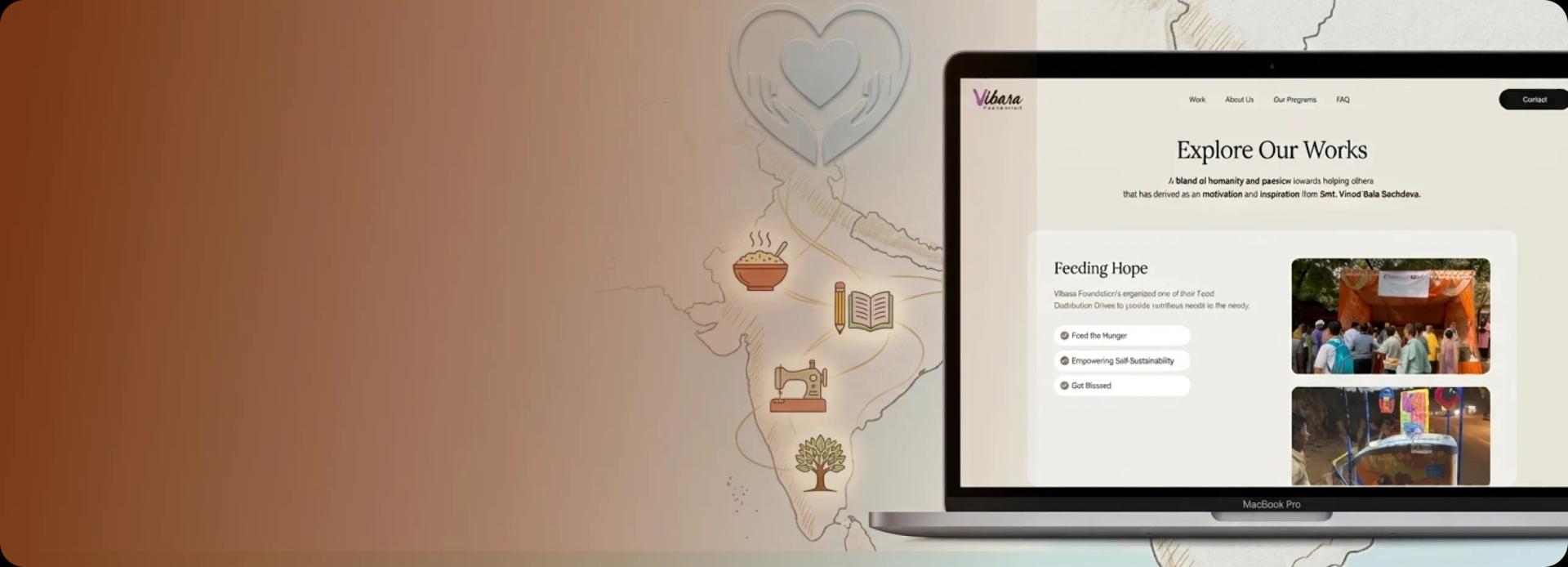
Vibasa Foundation

Building a kinder future through compassion, service, and collective action.

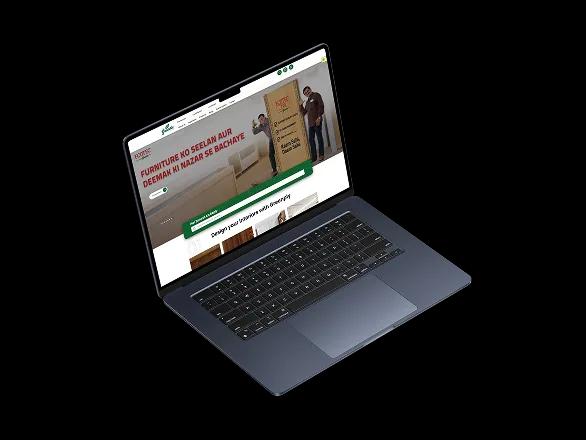
Greenply logo

Greenply

Digital product experience for a leading brand, designed to strengthen discovery and customer trust.

Greenply app preview
Domino's logo

Domino's WhatsApp
Chatbot

Robust mobile ordering with live tracking, loyalty rewards, and seamless payment integration.

Domino's app preview
Vibasa logo

Vibasa Foundation

Building a kinder future through compassion, service, and collective action.

Greenply logo

Greenply

Digital product experience for a leading brand, designed to strengthen discovery and customer trust.

Greenply app preview
Clutch 5.0 rating

Recognized. Trusted. Preferred

Awards & Recognition

We are proud to be recognized by leading platforms and industry experts for our innovation, impact, and excellence

TopDevelopers

TopDevelopers

Top Mobile App Developers

Freelancer

Freelancer

Top Mobile App Developers

AppFutura

AppFutura

Top Mobile App Developers

GoodFirms

GoodFirms

Top Mobile App Development

Clutch

Clutch

Top Mobile App Developers

Excellence isn't claimed.It's recognized

These achievements reflect our commitment to
delivering world-class AI solutions that help
businesses grow and lead

Supporting Insights

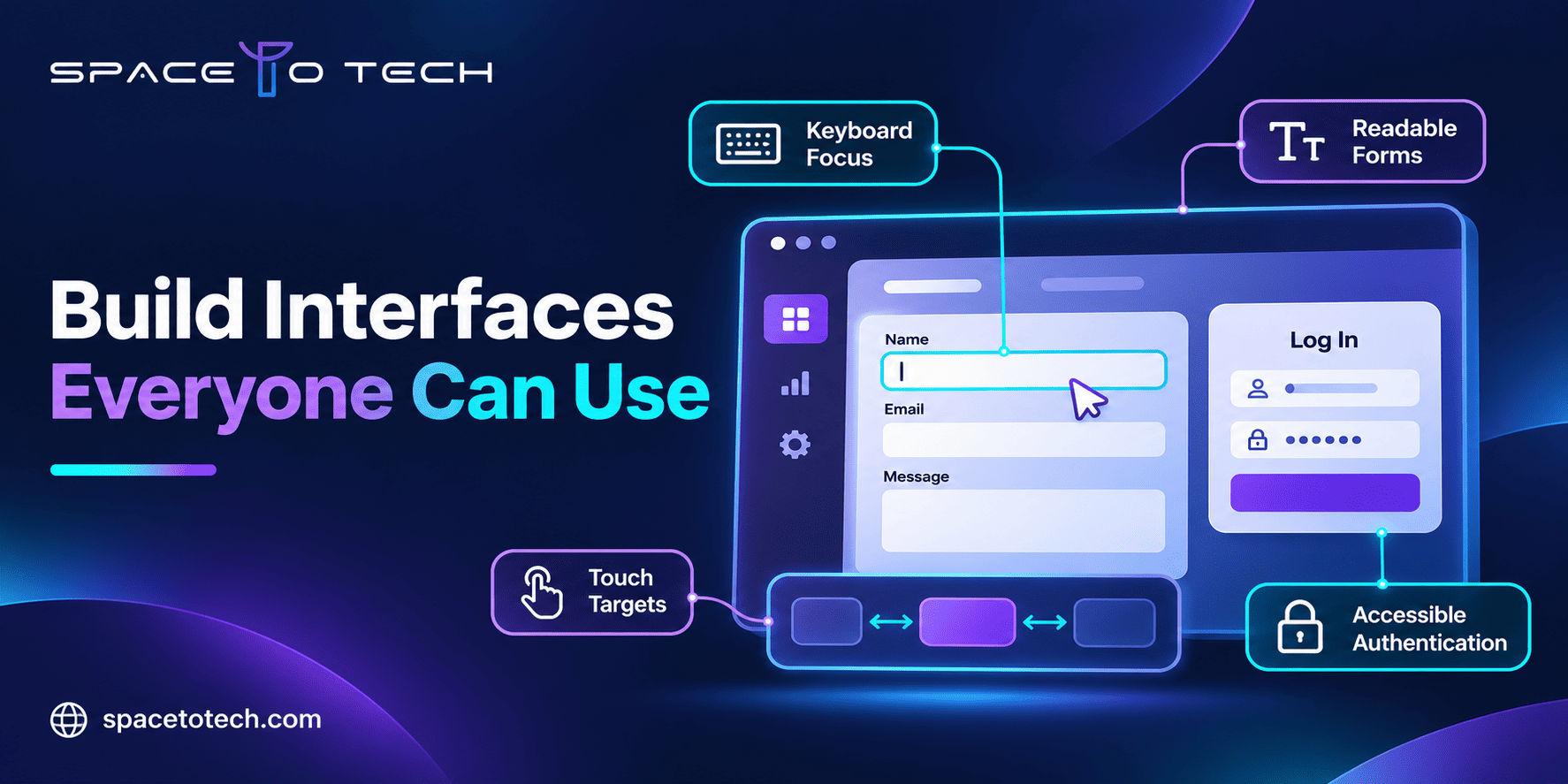
Business web application accessibility graphic showing keyboard focus, readable forms, touch targets and accessible authentication under WCAG 2.2.
Blogs03/11/2026

WCAG 2.2 Compliance: A Practical Guide for Business Websites and Web Apps

A B2B prospect is ready to book a product demo. They reach the final form, but the keyboard focus disappears behind a sticky banner and the validation error is never announced to a screen reader. The sales team sees a lost lead; the engineering team may never hear about the blocker. WCAG 2.2 compliance addresses the accessibility requirements behind incidents like this. For a CTO, founder or product lead, the question is not merely whether a site looks inclusive. It is whether customers, employees and enterprise buyers can complete essential digital tasks with different devices and assistive technologies. Accessibility belongs in the same planning conversation as architecture, security and maintainability. The web development guide covers the wider delivery process; this article focuses on the accessibility decisions, tests and remediation work that deserve their own backlog. Below, we explain the conformance levels, WCAG 2.2 changes, practical checks and an implementation roadmap for companies building or improving business websites and web applications. What Does WCAG 2.2 Compliance Mean? The Web Content Accessibility Guidelines (WCAG) are published by the World Wide Web Consortium (W3C). WCAG 2.2 conformance means satisfying the specified success criteria and conformance requirements for the chosen level. The standard addresses what users need to perceive, operate, understand and interact with web content, including application interfaces. For a service business, that includes navigation and contact forms. For a software product, it also includes settings, account creation, multi-step workflows, dashboards and authentication. An accessible login screen is irrelevant if the next screen cannot be operated without a mouse. Teams designing portals or SaaS products can incorporate these behaviors into custom web application development requirements before components become expensive to change. WCAG Level A, AA and AAA: Which One Should a Business Target? Yes, the A/AA/AAA conformance table belongs in this article. It answers a frequent procurement and product-scoping question and provides a compact explanation for non-specialists. The key is to avoid treating AA as automatic legal compliance. Level Requirements Implication for a B2B team A All applicable Level A success criteria Foundational requirements; does not cover every barrier addressed at AA. AA All applicable Level A and Level AA criteria Common target for product specifications, audits and procurement discussions. AAA All applicable Level A, AA and AAA criteria Additional requirements; W3C cautions against requiring sitewide AAA as a general policy. A claim of conformance applies to complete web pages and the required range of content and processes, not a handful of passing examples. WCAG 2.2 AA is a useful target for many new builds, but confirm which version and level a contract or applicable law actually requires. See the W3C conformance requirements . The Four Principles Behind Accessible Web Development Perceivable: information can be recognized Provide meaningful alternatives for informative images, appropriate captions, sufficient contrast and content that remains understandable without relying only on color. A dashboard showing “approved” versus “rejected” only in green and red may hide essential status information. Operable: interactions work beyond the mouse Ensure controls are keyboard-operable where required, focus is visible, and users can complete key actions without inaccessible gestures. A custom filter menu that works only by hover is not ready simply because the interface looks finished. Understandable: tasks and errors make sense Use clear labels, predictable controls and error recovery. A procurement form should explain which field failed and how to correct it, instead of returning a generic “something went wrong” banner. Robust: assistive technology can interpret the interface Use semantic HTML and reliable component patterns so browsers and assistive technologies receive accurate names, states and relationships. This is especially important for modern JavaScript interfaces with dynamic content. What Is New in WCAG 2.2? The Nine Added Success Criteria WCAG 2.2 adds nine success criteria compared with WCAG 2.1. Their levels are different: some are A, several are AA and others are AAA. The official W3C overview of the WCAG 2.2 changes explains the additions. Criterion Level Business application 2.4.11 Focus Not Obscured (Minimum) AA Sticky headers cannot fully conceal the focused control. 2.4.12 Focus Not Obscured (Enhanced) AAA Focused components must not be obscured by author-created content. 2.4.13 Focus Appearance AAA Additional focus-indicator size and contrast conditions. 2.5.7 Dragging Movements AA Provide an alternative to certain drag-only interactions. 2.5.8 Target Size (Minimum) AA Pointer targets meet minimum dimensions or spacing, with exceptions. 3.2.6 Consistent Help A Repeated help channels appear in consistent relative order. 3.3.7 Redundant Entry A Previously entered information need not be retyped unnecessarily. 3.3.8 Accessible Authentication (Minimum) AA Reduce or provide alternatives to prohibited cognitive authentication tests. 3.3.9 Accessible Authentication (Enhanced) AAA Stricter requirements for accessible authentication. Focus and target size: two issues founders can recognize Imagine a user tabbing through a quote-request form. A fixed chat panel fully covers the submit button when it receives focus. The WCAG 2.2 AA Focus Not Obscured requirement addresses that problem. Separately, the AA Target Size (Minimum) criterion generally calls for a 24 × 24 CSS-pixel pointer target or sufficient spacing, subject to its exceptions. These are not instructions to make every button identical. Dragging and account access: common in SaaS products A workflow board that requires dragging cards should provide a suitable single-pointer alternative where the criterion applies. For authentication, check whether your process relies on memory tests or inaccessible challenges. Password-manager support and appropriate alternatives can help, but the complete criterion must be evaluated. WCAG 2.2 also removes the obsolete 4.1.1 Parsing criterion from the WCAG 2.1 structure. A customer contract referring specifically to an earlier standard still needs to be read as written. Where Accessibility Failures Hurt B2B Products Most Demo requests and contact forms A lead form with unlabeled inputs, missing error announcements or an inaccessible submit control can block a qualified enquiry. Test the entire journey, including confirmation messages and any CAPTCHA or scheduling widget. SaaS registration, login and account recovery Product teams should test registration, verification, password resets, multi-factor authentication and role-based screens. Accessible authentication matters especially when enterprise users must access the system repeatedly. Dashboards, tables and internal portals Data tables, filters, modal dialogs and chart alternatives need explicit behavior. Employees using a keyboard should be able to open a record, edit it, save it and find the result without losing context. Procurement and enterprise customer reviews Enterprise buyers may ask for accessibility documentation, test methods and remediation plans before approving a vendor. A vague “fully compliant” marketing statement is weaker than an honest scope, dated results and tracked issues. Accessibility and speed affect different parts of the user experience. For example, focus management and form labeling do not replace the technical work described in website performance optimization ; high-value B2B journeys should be evaluated on both dimensions. Practical WCAG 2.2 AA-Oriented Checklist This is a triage checklist for product and engineering teams, not a complete conformance audit. Can a keyboard-only user finish each priority journey, with a visible focus indicator and no keyboard trap? Do every input and custom component have an accessible name, state and clear error feedback? Are text alternatives, captions, contrast, reflow and meaningful headings reviewed? Do touch targets, dragging controls and sticky overlays meet applicable requirements? Can customers register, authenticate and recover their accounts without prohibited cognitive barriers? Do alerts, updates and changes of state reach assistive technologies appropriately? Have third-party widgets, embedded tools, PDFs and responsive variations been included in the scope? How Should a CTO Test Website Accessibility? Use automated checks to detect repeatable problems, then verify real interactions manually. Automated tools cannot establish whether every task is understandable or whether every applicable WCAG criterion passes. Test layer What it reveals Suggested owner Automated checks Certain contrast, label and markup issues; repeatable regressions Front-end and QA Keyboard traversal Focus order, traps, keyboard-only operation QA and product Screen reader review Accessible names, states, live feedback and reading order Accessibility-trained tester Business journey test Whether a user completes registration, demo request or approval Product owner + QA Post-fix regression Whether changes work in supported browsers and responsive modes Engineering + QA WAVE and axe DevTools can support automated discovery, while NVDA and VoiceOver are examples of screen readers used for evaluation. Teams should document the environment, reproduction steps, relevant criterion and retest results. General software testing services can provide a QA context, although formal WCAG conformance evaluation requires an explicitly agreed accessibility scope. How to Turn an Accessibility Audit Into a Development Roadmap 1. Define the product scope and target standard Agree on WCAG version, desired conformance level, supported browsers and assistive technologies, critical customer journeys, reusable templates and third-party dependencies. Record contractual or jurisdiction-specific requirements separately from voluntary product targets. 2. Sample templates and important workflows Review the homepage and service pages, but spend most testing time where users make decisions: enquiry, onboarding, settings, billing-related interactions and approvals. One shared design-system error may affect dozens of screens. 3. Produce developer-ready findings Each finding should contain the affected URL and component, reproduction steps, expected behavior, success criterion, user impact, severity and proposed fix. Distinguish verified failures from potential concerns needing more testing. Example ticket field Illustrative finding Component Registration form: floating support widget Problem Keyboard focus on Continue button fully hidden by sticky widget Related criterion 2.4.11 Focus Not Obscured (Minimum), AA Impact Keyboard user cannot see active control during onboarding Suggested engineering response Adjust stacking and scroll/focus behavior; verify at responsive widths Validation Repeat keyboard path in staging and production 4. Prioritize blocked tasks, shared components and risk Fix barriers that prevent completion of core business tasks first. Next, address defects repeated across navigation or design-system components, followed by lower-impact content defects. Prioritization manages delivery order; it does not excuse unresolved failures from a conformance claim. 5. Implement, retest and keep evidence Update code and content, validate the original scenario and run regression checks. If the problem is rooted in aging front-end architecture, the decision may overlap with website redesign vs rebuild : a focused component fix can be better than rebuilding everything, but repeated structural defects may change the economics. Build Accessibility Into the Software Development Lifecycle Accessibility is cheaper to manage as an explicit acceptance criterion than as a vague final launch task. During discovery, document accessible journeys. During UX design, specify focus states, contrast, error messaging and responsive behavior. During engineering, use semantic components and tested patterns. During QA, test keyboard and assistive technology interactions. During release, preserve test evidence and monitor regressions. For globally distributed teams commissioning custom software development services , this scope belongs in the statement of work alongside performance, security, integrations and maintenance. The wording should identify who owns the evaluation and remediation, not imply every development vendor automatically offers a formal certification. WCAG 2.2 vs Legal Accessibility Obligations WCAG is a technical standard, not a universal law. The ADA and Section 508 in the United States, the European Accessibility Act, and national requirements elsewhere have different scopes and enforcement mechanisms. For example, the US Department of Justice Title II web rule references WCAG 2.1 AA for covered state and local government web content; it does not declare WCAG 2.2 AA mandatory for every private company. Select the target version and level based on customer contracts, applicable law and project requirements. A checklist, plugin or single scan cannot establish global legal compliance. Review formal obligations with qualified legal and accessibility professionals. The W3C WCAG 2.2 specification remains the technical source for the standard itself. How to Evaluate a Web Development Partner for Accessibility Work Ask potential partners what their accessibility scope includes, how they map issues to WCAG criteria, whether they perform manual and assistive-technology testing, what evidence they supply, and whether fixes receive independent validation. Request examples of developer-ready tickets rather than broad promises. If you are comparing engineering partners through lists of top web development companies , add accessibility requirements and QA ownership to your evaluation scorecard. A strong portfolio does not replace a documented delivery plan. Planning an Accessible B2B Website or Web Application? For founders and CTOs, the productive next step is a scoped conversation: which users must complete which tasks, what accessibility target applies, which components are reusable, and who will test the resulting changes. That conversation converts a compliance aspiration into actionable engineering requirements. Space to Tech Technology is a software development company working on custom applications and business software for clients across markets. If you are planning a B2B website, SaaS product or enterprise portal, discuss your project scope and the accessibility expectations you want built into the development process. Confirm specialized audit and validation deliverables explicitly before engagement.

HIPAA & FINRA Compliant App Development
Blogs03/11/2026

HIPAA & FINRA Compliant App Development: What Your Software Must Do

Short answer: HIPAA and FINRA do not certify software. HIPAA’s Security Rule requires safeguards for electronic protected health information (access control, audit controls, integrity, transmission security) and signed agreements with vendors. FINRA and SEC rules require broker-dealers to retain, supervise and produce records and communications. A compliant app is one built so that both can be proven in an audit. Most guides to HIPAA compliant app development stop at healthcare. But if your product touches health data and also supports securities activity, or if you sell into a regulated firm that must answer to both, you need one architecture that satisfies two very different regimes. This guide explains what each requires from software, where they conflict, how AI features change the picture, and how to evaluate a build partner. What HIPAA and FINRA require from software HIPAA: protect ePHI and prove it HIPAA applies to covered entities (providers, health plans, clearinghouses) and to business associates, which includes a software vendor that creates, receives, maintains or transmits protected health information (PHI) on their behalf. For software, three pieces matter most: The Security Rule groups requirements into administrative, physical and technical safeguards. Technical safeguards cover access control (unique user IDs, emergency access, automatic logoff, encryption), audit controls, integrity, person or entity authentication, and transmission security. Required vs addressable. Addressable does not mean optional. It means you must implement the control or document why an equivalent alternative is reasonable. Business Associate Agreements (BAAs). Any subcontractor that touches PHI, including your cloud, logging, email and AI vendors, needs one. No BAA, no PHI. The Privacy Rule adds the minimum necessary standard, and the Breach Notification Rule requires notice without unreasonable delay and no later than 60 days after discovery of a breach of unsecured PHI. Who counts as a business associate? If your company hosts, builds or operates software that handles PHI for a hospital, clinic, health plan or another business associate, you are very likely one, even if you never see a patient. That status makes you directly liable under the Security Rule and obliges you to pass the same obligations down to your own subcontractors. A consumer wellness app that never receives data from a covered entity is often outside HIPAA, but the Federal Trade Commission and state privacy laws may still apply, so settle the scoping question early rather than assuming either way. FINRA and the SEC: retain, supervise, produce FINRA regulates broker-dealers and their associated persons. Software built for them is judged by whether the firm can meet its obligations when examined: Books and records. FINRA Rule 4511 and Exchange Act Rules 17a-3 and 17a-4 govern what must be made and kept. Electronic records must be preserved in a non-rewriteable, non-erasable format or in a system with a complete, verifiable audit trail of changes. Retention periods vary by record type, commonly three or six years. Communications and supervision. FINRA Rule 2210 covers communications with the public, and Rule 3110 requires a supervisory system. In-app messages, chat and notifications can all qualify as business communications. Customer data safeguards. Regulation S-P requires policies to protect customer information; the 2024 amendments added an incident response program and customer notification duties. Confirm the current compliance dates for your client’s size. Business continuity. FINRA Rule 4370 expects tested continuity plans, which affects your uptime and recovery design. Vendor oversight. FINRA expects member firms to supervise functions they outsource, and the firm, not the vendor, answers to examiners. For a software partner, that means a regulated buyer will ask for due-diligence evidence: security attestations, subprocessor lists, recovery objectives and your incident notification terms. Build these answers into your delivery package, because sales cycles with regulated buyers often stall on them. Side by side Topic HIPAA FINRA / SEC Who is regulated Covered entities and business associates Broker-dealers and associated persons What is protected PHI, especially electronic PHI Customer records, communications, books and records Core software demand Confidentiality, integrity, access logging Retention, supervision, retrievability Default data posture Minimize, limit access Keep and be able to produce Incident duty Breach notification (up to 60 days) Reg S-P incident response and notification Vendors BAA required Firm remains responsible for oversight of vendors The row that matters most is the default data posture. HIPAA nudges you toward restricting and eventually disposing of data, while FINRA and SEC rules push you toward keeping and producing it. Neither regime is wrong; they protect different people. Your architecture has to decide, record by record, which rule governs and for how long. Architecture patterns: logging, encryption, access control These patterns show up in nearly every regulated industry software development project we see. They are a starting point, not a legal opinion. Encryption everywhere it matters Encrypt data in transit with current TLS and at rest with managed keys. Keep keys out of the application database, rotate them, and restrict who can administer them. On mobile, avoid storing PHI or client records on the device; if you must, use the platform’s secure storage and remote wipe. See our guide to  for device-level controls, which matter for any HIPAA ready mobile app development effort. Access control built on least privilege Unique identities, multi-factor authentication and role-based access Automatic session timeout and re-authentication for sensitive actions Break-glass emergency access that is logged and reviewed Periodic access reviews with evidence you can show an auditor Audit logging that answers who, what, when Log authentication events, record views, exports, edits and permission changes, tied to a user and a timestamp. Two cautions: logs themselves can contain PHI or client data, so protect and minimize them; and logs should be tamper-evident, which also supports the SEC audit-trail alternative for electronic records. Retention and immutability, without breaking minimization This is where the regimes collide. HIPAA pushes you to limit and eventually dispose of data; FINRA and SEC rules require you to keep certain records, unaltered, for years. Do not solve this with one database and a hope. Instead: Classify data at design time: PHI, securities records, both, neither. Store regulated records in a separate, write-once-style store with retention rules enforced by policy. Keep PHI out of the securities record wherever the product allows it, and tokenize references between the two. Document the retention schedule and who approved it. Typical overlap cases include a benefits platform that adds investment features, patient-financing products, or advisory tools used by medical practices. Vendors, cloud and BAAs A cloud provider that signs a BAA does not make your application compliant; it only covers its part of the shared responsibility model. Maintain an inventory of every subprocessor, the data each one sees and the agreement that covers it. This inventory is one of the first things an auditor asks for. Secure development and release controls Compliance usually fails through ordinary engineering habits, not exotic attacks. Build these controls into your delivery pipeline from the first sprint: Separate development, staging and production environments, with no real PHI or client data in non-production Code review and dependency scanning on every change, with a documented process for critical vulnerabilities Secrets held in a managed vault, never in source code or mobile app bundles Infrastructure defined as code, so configuration changes are reviewed and traceable Backups and restore tests, with recovery objectives that match the firm’s continuity plan Release approval records showing who changed what and when AI UX constraints in regulated sectors AI features are where most compliant-by-design projects slip. Regulators have been consistent that existing rules apply regardless of the technology; FINRA’s Regulatory Notice 24-09 reminds firms that their obligations apply to generative AI use. Under HIPAA Do not send PHI to a model provider without a BAA and a configuration that prevents training on your data. Apply minimum necessary to prompts. Send the fields the task needs, not the whole chart. Treat prompts, responses and embeddings that contain PHI as ePHI in storage, logging and access control. Under FINRA and SEC rules Treat client-facing AI output as a business communication: capture it, retain it in the required form, and make it searchable for supervision. Keep the model, prompt template and version used for each output so a reviewer can reconstruct what the client saw. Prevent the assistant from producing promissory, misleading or unapproved content; ground answers in approved material where possible. UX patterns that help in both Clear disclosure that the user is interacting with AI Human review before AI content reaches a client, with a recorded approval Visible refusal states instead of confident guesses No PHI or client data in analytics SDKs, push notification previews or lock-screen text An off switch the compliance team controls without a deploy A worked example: an AI assistant on a wealth platform for physicians Consider a hypothetical advisory platform for medical practices where an advisor asks an AI assistant to summarize a client’s retirement position and practice cash flow. Three design decisions keep it defensible. First, the assistant works from the financial record only. If a client file ever contains health details, a filter removes them before any prompt is built, so PHI never reaches the model. Second, every summary sent to a client is stored with its prompt, model version and approver in the retained-records store. Third, the compliance team sees flagged outputs in a review queue and can disable the feature without a release. None of this is exotic; it is ordinary engineering applied with the audit in mind. The example is illustrative only and does not describe any client. Cost and timeline impact of compliance Be cautious with fixed price claims in other guides; compliance cost depends on scope more than on the label. The main drivers are: Discovery and risk analysis. HIPAA expects a documented risk analysis, and a regulated firm will want a data-flow map before design begins. Architecture. Separate stores, key management, tamper-evident logging and retention enforcement add build effort. Testing. Penetration testing, access reviews and recovery drills add time; see . Documentation. Policies, diagrams and evidence packs are deliverables, not afterthoughts. Ongoing operations. Compliance is continuous: log review, access recertification, vendor reviews and incident drills. A practical roadmap from discovery to audit A predictable sequence keeps cost and risk down. Use it as a planning skeleton and adjust to your scope: Scope: decide which regime applies to which feature, and record the reasoning. Map data: draw data flows and classify every field as PHI, securities record, both or neither. Assess risk: complete and document a risk analysis, ranking threats by likelihood and impact. Design controls: choose encryption, identity, logging and retention patterns, and write the retention schedule. Build and test: implement with secure-development controls, then run penetration tests and access-review drills. Prepare evidence: compile the audit pack while the people who made the decisions are still on the project. Launch with monitoring: alert on unusual access, failed logins and spikes in exports. Operate and recertify: review logs, access and vendors on a schedule, and repeat the risk analysis after major changes. Teams that skip steps 2 and 6 usually pay for it later, when an auditor or a client’s due-diligence team asks questions the architecture cannot answer. How to evaluate a HIPAA and FINRA compliant software partner If you are comparing a healthcare app development company USA buyers trust, or any firm claiming FINRA compliant software development experience, ask: Can they show prior regulated work, with references, and explain what they did for audit evidence? Will they sign a BAA, and can they list every subprocessor they would use? How do they separate PHI from retained financial records? What is their approach to tamper-evident logging and retention? How do they handle AI features: which models, which agreements, what gets logged? Who on their team owns security and compliance, and will that person join design reviews? What does their incident response process look like, and how fast do they notify clients? What documentation will you receive at handover? Do they test for security (penetration tests, dependency scanning) before each release? Will they say no? A partner that never pushes back on scope or timeline is a red flag. Audit readiness and documentation Auditors want evidence, not assurances. Assemble this pack as you build, not afterward: Risk analysis and remediation log System architecture and data-flow diagrams Policies and procedures; HIPAA requires documentation to be retained for six years from creation or last effective date BAA and subprocessor inventory Access review records and sample audit logs Retention schedule and evidence it is enforced Incident response runbook and drill results Change management and release records Penetration test reports and fix verification Common mistakes in HIPAA and FINRA compliant software development The same errors appear across regulated projects. Avoid these: Treating a cloud provider’s BAA or attestation as proof that the application is compliant Logging full request bodies, which quietly stores PHI or client data in log files Mixing PHI and retained financial records in one database under one retention rule Sending data to analytics, crash-reporting or AI services that have no agreement in place Treating compliance as a launch milestone instead of continuous operations Leaving documentation to the end, when the people who made key decisions have moved on Build compliance in, not on HIPAA and FINRA ask different questions of your software: one asks you to protect and minimize, the other to retain and produce. The teams that succeed decide how to reconcile them in architecture, before the first sprint. If you are scoping a regulated product, talk to our " custom application software development company " team about a compliance-first discovery.

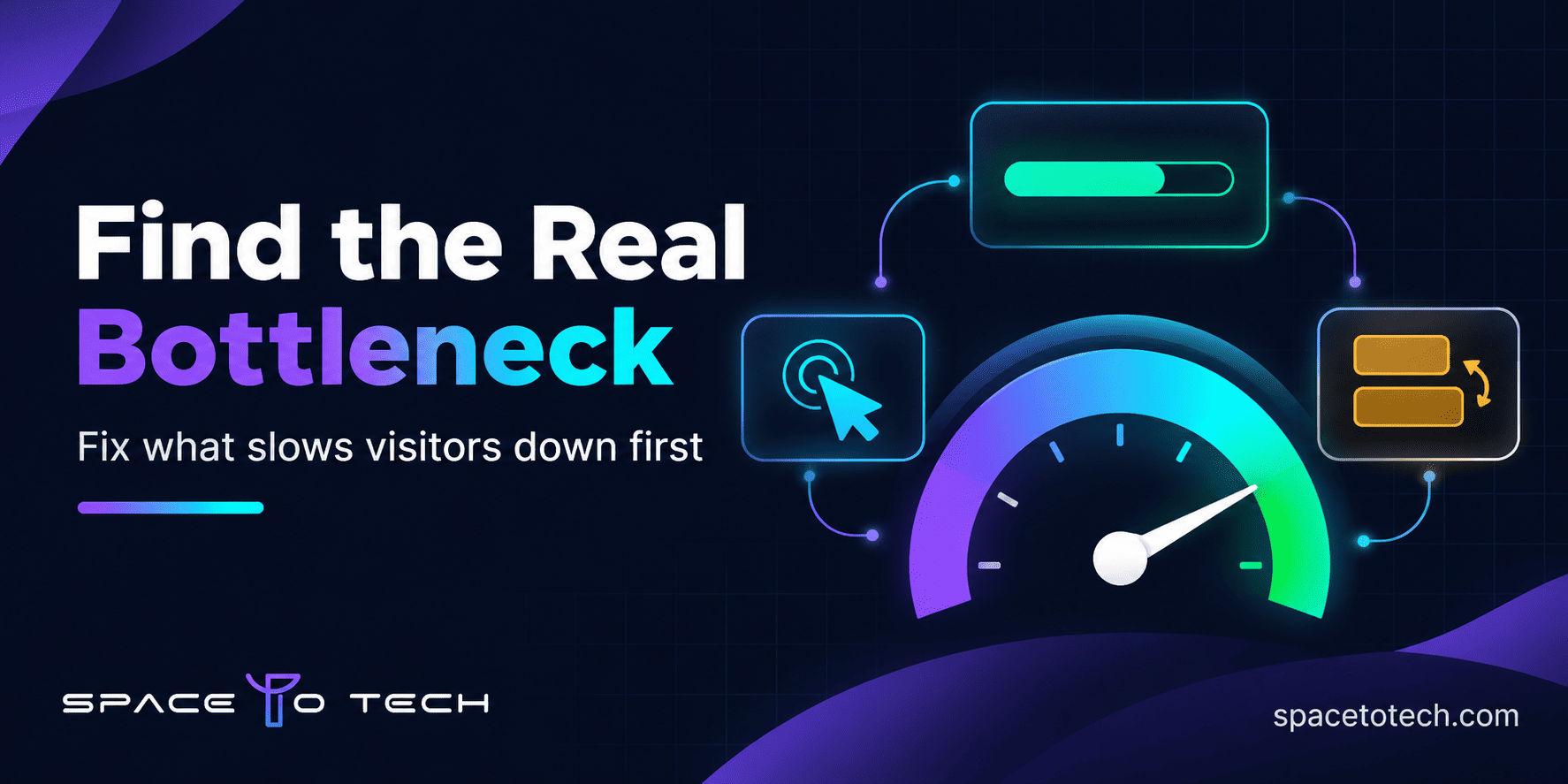
Dark navy graphic showing a website speed gauge, layout blocks and a prioritized fix checklist for website performance optimization
Blogs02/11/2026

Website Performance Optimization: What to Fix First on a Business Website

Most business websites do not have one big speed problem. They have five small ones, and the team ends up fixing the wrong one first. Someone compresses a few images, the PageSpeed score moves up by two points, and visitors still wait on the service page that actually brings in enquiries. Good website performance optimization starts with a different question. Instead of asking how to reach a perfect score, ask which delay costs you the most on the pages that matter. This guide gives you a practical order of work built around Google's three Core Web Vitals, so you spend developer time where it pays back. You will see what LCP, INP and CLS measure, how to check your own site, how to rank fixes by business value and effort, and when it makes sense to bring in outside help. None of it requires a redesign to get started. What Core Web Vitals Measure and What Counts as Good Core Web Vitals are three real-user measurements that describe page experience: how fast the main content appears, how quickly the page reacts and how stable the layout stays. Google publishes the targets in its Core Web Vitals documentation . A page is considered good only when all three metrics pass at the 75th percentile, which means at least three out of four visits meet the target. Mobile and desktop are assessed separately. Metric What it measures Good Needs improvement Poor LCP How long the largest visible element takes to load 2.5 s or less 2.5 to 4 s Over 4 s INP How quickly the page responds after a tap or click 200 ms or less 200 to 500 ms Over 500 ms CLS How much visible content moves unexpectedly 0.1 or less 0.1 to 0.25 Over 0.25 Largest Contentful Paint (LCP): how fast the main content loads LCP is the time it takes for the biggest element in view, usually a hero image or a large heading block, to render. On a business site this is typically the banner at the top of a service page. A slow LCP feels like staring at a blank screen. Interaction to Next Paint (INP): how responsive the page feels INP measures how long the page takes to visually respond after someone opens a menu, expands an accordion or presses a form button. It replaced First Input Delay as a Core Web Vital in March 2024, so any guide still talking about FID is out of date. Cumulative Layout Shift (CLS): why elements jump around CLS scores how much content moves while the page loads. It is the reason someone goes to tap one button and hits a banner that loaded late instead. Why Website Speed Optimization Matters for a Business Website A slow page rarely fails loudly. Visitors simply leave, forms go unfinished and the enquiry never reaches your inbox. Speed problems tend to sit exactly where money changes hands: a pricing page that takes four seconds to show its first image, a submit button that does nothing for half a second after a tap, a contact form that slides down the screen as the page finishes loading. Search is part of the picture, though a smaller part than many vendors suggest. Google uses Core Web Vitals as part of its page experience signals, but it also says that good scores do not guarantee top rankings. Treat SEO website speed as one benefit among several. Relevance and content quality still lead. What speed does is remove friction for people who already found you. That is why performance belongs in the plan from the first sprint. A web application development team that sets page weight and script budgets early avoids most of the rework described in the rest of this guide. How to Check Your Website Before You Change Anything Do not begin with a speed test on your homepage. Begin with the pages that earn enquiries: your top service pages, paid campaign landing pages, pricing and the contact page. Then use three sources in this order. Use Google Search Console to find affected URL groups The Core Web Vitals report in Search Console groups URLs by status and device using real Chrome user data. It tells you which groups are poor or need improvement and which metric is responsible. A group often points to a shared template, so one fix can clear dozens of pages at once. If your site has little traffic the report may be empty, and in that case you will lean on PageSpeed Insights and lab tests instead. Use PageSpeed Insights to test individual pages For page speed optimization at the single URL level, PageSpeed Insights shows real-user data when enough exists and a Lighthouse lab run with specific diagnostics beside it. Google explains how the two relate in its PageSpeed Insights documentation . Run each important page several times on mobile, since single runs vary. Understand field data versus lab data Lab data comes from a simulated device and network. It is repeatable but not real. Field data comes from real visits, but it is slower to change because it reflects a rolling 28 day window. That gap is why a page can look green in Lighthouse while Search Console still flags it. Use field data to decide what to fix and lab data to find out why. Website Performance Optimization: A Five Step Order of Work There is no universal order. "Always fix LCP first" works for some sites and wastes a month on others. A better way to improve website performance is to follow this sequence. Start with URL groups marked poor in field data, then rank them by how much the page matters to enquiries or sales. Identify the failing metric and the cause behind it, using the PageSpeed Insights diagnostics and Chrome DevTools. Check the scale. If the cause sits in a shared theme, template or script, fix it there once instead of page by page. Compare likely gain with effort and risk. A small change on a template used by forty pages beats a big change on one. Fix, retest in staging, deploy and watch field data until the status changes. The table below shows how the same logic plays out on common symptoms. Treat it as a starting point, because the same symptom can have different causes on different stacks. Symptom Look first at Priority Poor LCP on a key landing page Hero image size, server response time, render blocking CSS and JavaScript High, because the page earns enquiries Poor LCP across many templates Hosting, caching, shared theme assets High when important URLs are affected Poor INP on pages with forms, filters or menus Long JavaScript tasks, third party scripts, heavy event handlers High where visitors must interact Poor CLS across templates Missing image dimensions, late fonts, injected banners High, and often a cheap fix Poor results on mobile only Image sizes, script weight, responsive layout High if most traffic is mobile Low Lighthouse score, good field data Lab settings and test conditions Low until field data worsens Good vitals, weak conversions Form design, offer, copy, tracking Look beyond Core Web Vitals Who should do each fix Some fixes are content side. A marketer can resize images and remove an unused embed. Others need engineering: server caching, script bundling, refactoring a slow component. If your team lacks front end capacity, adding dedicated developers for a defined audit and fix sprint is usually faster than hiring. If you are weighing offshore options, our guide to outsourcing software development to India explains how engagement models differ in cost and control. How to Improve LCP: Images, Server Response and Render Blocking Code LCP is often the first metric people fix because the causes are visible. Check these in order. Resize and compress the hero image. Image optimization is the most common LCP win. Serve modern formats such as WebP or AVIF, and use responsive image sizes so a phone does not download a desktop banner. Never lazy load the main image. The element that counts as LCP should load early. Give it high priority and keep lazy loading for images further down the page. Cut server response time. If the first byte arrives late, nothing else can start. Look at hosting quality, server side caching and a content delivery network (CDN). Remove render blocking resources. Inline the small amount of CSS needed for the first screen, load the rest later and defer scripts that are not needed to paint the page. Load fonts sensibly. Preload the main font file and use a display setting that shows text immediately rather than waiting. How to Improve INP: JavaScript and Third Party Scripts INP problems almost always mean the browser is busy when someone taps. The usual causes are large JavaScript bundles, heavy click handlers, and a stack of third party tools such as tag managers, heatmaps, A/B testing scripts, consent banners and chat widgets. Break up long tasks so the browser can respond between chunks of work. Remove unused JavaScript and load code only on the pages that need it. Audit your tag manager. Old tags from past campaigns are a frequent source of delay. Load widgets late. A chat tool does not need to start before the page is usable. Chat is a good example. A live chat or AI chatbot development project adds a script to every page, so ask the team how the widget loads, whether it waits until the page is idle and whether it ships a large library of its own. One habit helps more than any technical trick: give every third party script a business owner. If nobody can explain why a script is on the site, it is a candidate for removal. How to Fix CLS: Images, Fonts and Late Content Layout shifts happen when the browser does not know how much space something needs. The common sources are images without dimensions, embeds and ads that load late, web fonts that swap in with different sizing, and banners injected above existing content. Set width and height or an aspect ratio on every image and video. Reserve space for embeds, cookie notices and promotional bars before they load. Match fallback fonts to the web font size so text does not reflow on swap. Animate with transforms instead of properties that move other content. Layout stability is partly a design decision. A UI/UX design process that defines fixed slots for banners, notices and embedded content prevents most shifts before a developer writes any CSS. Mobile Page Speed Optimization Mobile results often look worse than desktop because phones have slower processors and less stable connections. Google assesses each device group separately, so a site can pass on desktop and fail on mobile. If mobile visitors bring most of your traffic, mobile page speed optimization comes first. Test on a throttled mid-range device profile, not only on a fast laptop. Serve smaller images with responsive sizes. Check that desktop sliders and videos hidden with CSS are not still downloading on phones. Tap every menu, filter and button yourself and note any pause. To improve mobile website speed, start with the heaviest template people reach from a phone, which is usually a service or product page. A Note on WordPress, Shopify and Other Platforms The order of work stays the same on any platform, but the fixes differ. On WordPress, plugin count, theme weight and caching setup decide most outcomes. On Shopify, installed apps and theme scripts usually matter most. On custom builds, bundling and server response lead. Treat this guide as the framework and the platform as the place where you apply it. How to Validate and Monitor Your Fixes Record a baseline. Save field and lab results for each key template, on mobile and desktop, with the date. Define acceptance. For example: LCP at 2.5 seconds or less at the 75th percentile on mobile for the pricing template. Retest in staging. Run several lab tests after each change set and keep a log of what changed. Monitor field data after release. Because Search Console reflects a rolling window, expect weeks, not days, before a status changes. Keep checking. New plugins, tags, theme updates and content can undo good work, so retest after every significant release. Common Website Performance Optimization Mistakes Chasing a perfect score. A 100 in a lab test is not the goal. Passing the thresholds on real visits for pages that matter is. Fixing everything without ranking it. Twenty small changes with no order burn budget and hide which one worked. Redesigning before diagnosing. Many sites pass after targeted fixes. A redesign can bring the same problems back. Leaving scripts unowned. Tools added for one campaign stay for years and slow every page. Hiring without checking performance experience. When you shortlist a vendor, ask to see field data from sites they have shipped, not only design samples. If you need a process for that, here is how to choose a web development company on evidence. When to Bring in Professional Help Handle the content side yourself and bring in engineers when field data stays poor after image and caching fixes, when INP traces back to framework code, when a template change risks breaking other pages, or when you have no staging environment to test safely. At that point compare the top web development companies on evidence: audit method, field data from past projects and how clearly they communicate. If budget and time zone flexibility matter to you, look at web development companies in India and ask the same questions. SpaceToTech is a custom software development company based in Noida with clients across the US, UK, UAE, Australia and India. Our reviews begin with field data and end with a measured before and after, so you know whether a fix worked. Website performance optimization pays off when it is done in order: measure, rank, fix, retest. Do that on the pages that bring in business and the scores follow.


We Build Digital Products That Drive Real Growth

From idea to launch, we help startups and enterprises build scalable apps, AI solutions & custom software.

View Our Work
Trusted byGlobal Clients

150+Projects Delivered

OngoingSupport
UAE

UAE

USA

USA

INDIA

INDIA

Book a Free Consultation

Your information is safe with us.