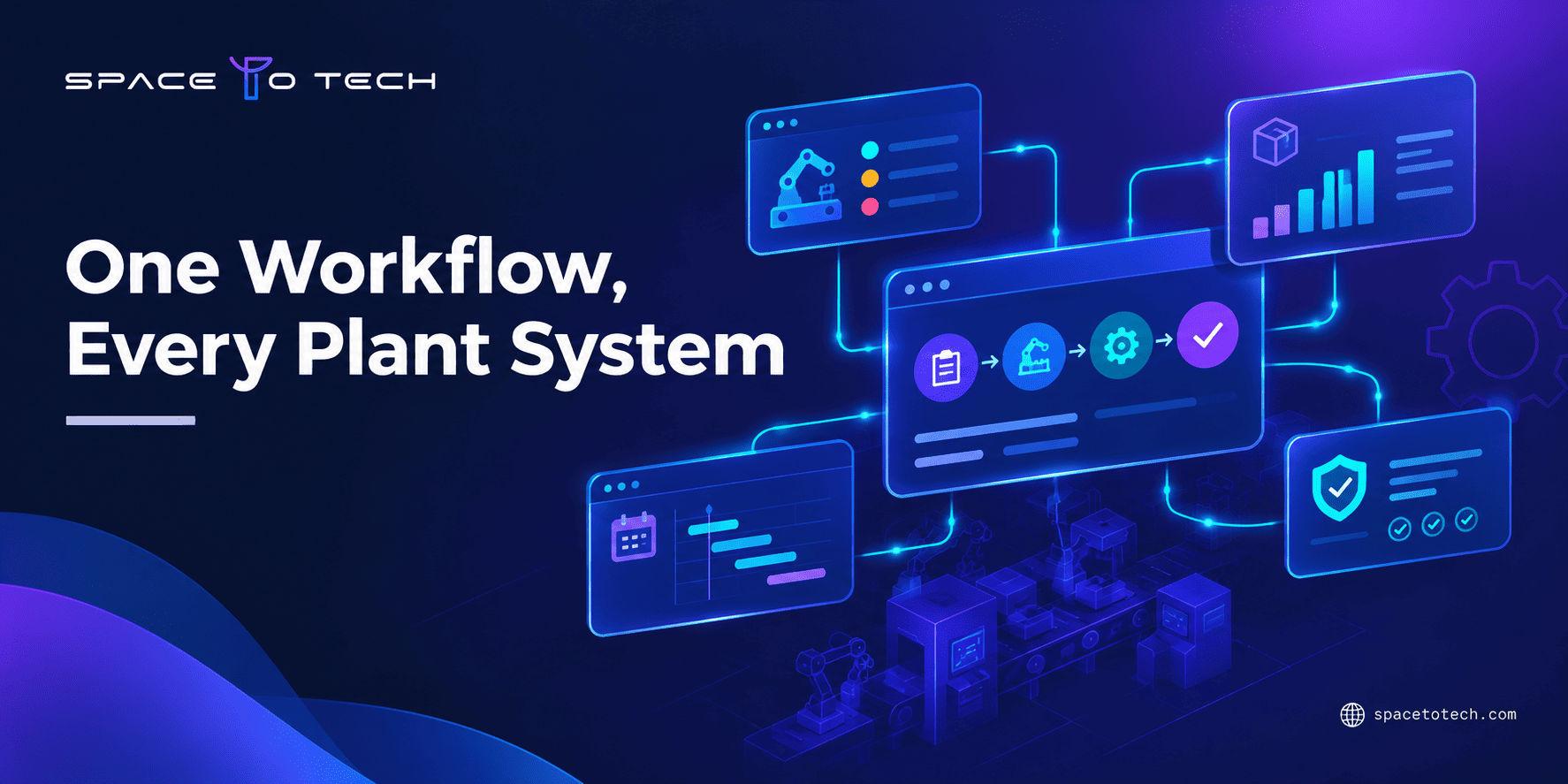
Manufacturing software development is the work of designing, building, and connecting software that supports production and business operations. It can mean a purpose-built application, an extension to an existing system, or an integration between tools. The right approach depends on your workflows, current systems, plant environment, and operational goals.
Most plants already run something: an ERP, spreadsheets, a maintenance tool, a few machine screens. The real question is rarely "which software should we buy?" It is "where does our current setup break down, and what is the smallest change that fixes it?" This article walks through the main system types, when custom work makes sense, when it does not, and how to prepare. If you want the broader foundation first, our custom software development guide covers the general principles.
What Is Manufacturing Software Development?
It is the practice of designing, building, adapting, and connecting software for manufacturing workflows. That includes anything from a scheduling dashboard to a full production management platform. It also includes the less visible work, such as syncing data between an ERP and a shop-floor tool.
Custom development differs from buying a ready-made product. With a packaged product, you adopt the vendor's data model and processes, then configure what you can. With custom development, the software is shaped around how your plant actually runs.
A custom solution does not have to be a giant system. It might be:
- a complete platform for a specialized production process
- a single module added next to an existing ERP
- a workflow app for operators on tablets
- a dashboard that pulls data from several sources
- an integration layer that moves data reliably between systems
Many successful projects are the small ones. A focused tool that removes one recurring bottleneck often delivers more than a sweeping replacement.
Types of Manufacturing Software Solutions
Manufacturing software solutions fall into several categories, and the lines between them blur. An ERP may include basic scheduling. An MES may include quality checks. A maintenance system may feed production planning. Manufacturers also do not need every category. The table below maps each one to the problem it addresses and the people who use it most.
| System | Main problem it addresses | Typical users |
| ERP / MRP | Orders, purchasing, inventory, and business records | Planners, finance, purchasing |
| MES / MOM | Running and tracking work on the shop floor | Supervisors, operators |
| APS | Sequencing jobs against capacity and constraints | Production planners |
| QMS / traceability | Inspections, defects, corrective actions, lot history | Quality teams |
| CMMS / EAM | Maintenance schedules, asset history, spare parts | Maintenance teams |
| Inventory / warehouse / supply chain | Stock visibility and material movement | Warehouse, logistics, buyers |
| PLM / engineering | Product data, BOMs, revisions, engineering changes | Engineers, product teams |
| SCADA / IIoT | Machine-level data and control | Controls engineers, plant IT |
Features differ from one product to the next, so treat these as general descriptions, not fixed definitions.
Manufacturing ERP and Material Requirements Planning (MRP)
Enterprise resource planning (ERP) holds the business-level record: sales orders, purchase orders, inventory, costs, and finance. Material requirements planning (MRP) is the part that calculates what materials you need, and when, based on demand and the bill of materials (BOM). Put simply, MRP answers "what should we order or make?" while ERP is the wider system that stores and connects the answers. Manufacturing ERP software is often the backbone other tools plug into.
Manufacturing Execution Systems (MES/MOM)
A manufacturing execution system (MES) manages what happens on the floor: work orders, production tracking, work instructions, and shop-floor visibility. Manufacturing operations management (MOM) is a broader term for the same territory. Some MES software also handles quality checks and genealogy. Others do not. Two products with the same label can cover very different ground, so compare features, not names.
Production Scheduling and Advanced Planning (APS)
Production planning software at the ERP level usually works with fixed lead times. Advanced planning and scheduling (APS) goes further by sequencing jobs against real capacity, material availability, due dates, and constraints such as changeovers. It becomes valuable when jobs compete for the same machines and the schedule changes daily.
Quality Management and Traceability Software
Quality management systems (QMS) record inspections, nonconformances, and corrective actions. Traceability links finished goods back to batches, lots, materials, and process steps. Software can make these records easier to capture and search, but it does not make a plant compliant by itself. Compliance depends on how the system is set up and used, and on the obligations your industry places on you.
Maintenance and Asset Management (CMMS/EAM)
A computerized maintenance management system (CMMS) tracks preventive maintenance, work orders, asset history, and spare parts. Enterprise asset management (EAM) takes a wider view across sites and asset lifecycles. Both can feed planning, since a machine scheduled for service is a machine unavailable for production.
Inventory, Warehouse, and Supply Chain Systems
These tools show where material is, how it moves, and what is on its way. They cover stock movements, warehouse workflows, and supplier coordination. Their link to production planning is direct: if material counts are wrong, the schedule is wrong too.
Product Lifecycle Management (PLM) and Engineering Systems
Product lifecycle management (PLM) manages product data, BOMs, revisions, and engineering changes. Its most practical job is the handoff from design to production, making sure the shop floor builds the current revision. CAD and CAM tools sit nearby, but only some projects need to connect to them.
Machine Monitoring, SCADA, and Industrial IoT
Supervisory control and data acquisition (SCADA) systems and industrial IoT (IIoT) platforms work close to the equipment, collecting machine data and, in some cases, supporting control. They belong to operational technology (OT), while ERP and similar tools belong to business IT. Bridging the two is useful but needs care. Teams exploring analytics on top of machine data, such as spotting patterns in sensor readings, may look at AI development services once the underlying data is clean and reliable.
When Does a Manufacturer Need Custom Software?
Custom manufacturing software usually earns its place when a specific, recurring problem keeps resisting packaged tools. Common signs include:
- Unusual workflows. Your process does not match what standard products assume, and workarounds keep piling up.
- Disconnected systems. Data lives in the ERP, a maintenance tool, and three spreadsheets, and nobody trusts any single version.
- Manual re-entry. People retype the same figures between systems, which invites errors.
- Specialized traceability. You need to track attributes or genealogy in a way standard modules cannot handle.
- Unique approval logic. Release, deviation, or change approvals follow rules specific to your business.
- Legacy constraints. An older system cannot be replaced yet, but it needs to exchange data with newer tools.
- Reporting gaps. Leaders cannot see work-in-progress (WIP), delays, or quality trends across systems without manual effort.
Regulated production raises the stakes on record-keeping. This is a recurring theme in custom software development for pharmaceutical companies, where documentation and traceability expectations shape the design from the start. The same caution applies to any regulated sector: requirements come from your obligations, not from the software.
It is equally important to say when custom work is unnecessary. If a mainstream ERP or MES already covers most of your requirements after configuration, adding bespoke code may only increase maintenance needs. If your needs are standard and your team is small, a well-configured product is often the practical choice. Custom development is one option, not the default.
Common Use Cases for Custom Manufacturing Software
The examples below describe the problem, the people involved, and the data or workflow at the center. None of them promises a particular result. Outcomes depend on the plant and the quality of the underlying data.
Production planning and scheduling dashboards. Planners often juggle orders, capacity, and material availability across separate files. A dashboard can pull those sources into one view of what is planned, what is late, and what is blocked. Users are planners and supervisors. The data usually comes from the ERP, inventory records, and machine calendars.
Shop-floor data capture. When operators record production on paper and someone types it in later, the data arrives late and incomplete. Shop-floor software on a tablet or terminal can capture quantities, scrap, and downtime at the point of work. Teams that need the same app on rugged Android and iOS tablets sometimes consider cross-platform tablet apps built with Flutter, since one codebase can serve both.
Quality and defect tracking. Quality teams need to log defects, link them to lots or work orders, and follow corrective actions to closure. A custom workflow can mirror your own inspection steps and approval chain.
Inventory and WIP visibility. If material is consumed on the floor but not updated until end of shift, stock counts drift. A tool that records material movement as it happens gives planners and buyers a more current picture.
Maintenance workflows. Maintenance requests, approvals, and spare-parts checks can be routed through a simple app that connects to production schedules, so downtime is planned instead of discovered.
Supplier and customer portals. Suppliers may need to confirm orders or share shipping details. Customers may want order status or certificates. A portal can expose only the necessary data from internal systems.
Cross-system reporting. Many leaders want one report that combines production, quality, and inventory data. A reporting layer can unify the sources without replacing them.
Custom Manufacturing Software vs. Off-the-Shelf Solutions
Neither path wins every time. The table compares them on the factors that usually decide the question.
| Factor | Custom software | Off-the-shelf software |
| Workflow fit | Built around your process | Fits standard processes; configuration has limits |
| Setup | Requires discovery, design, and build | Faster to start when the fit is close |
| Integration flexibility | Designed around your specific systems | Depends on available connectors and APIs |
| Ownership and control | Greater control over roadmap and data model | Vendor controls roadmap and updates |
| Maintenance | You or your partner maintain it | Vendor maintains the core product |
| Upfront effort | Usually higher planning and build effort | Usually lower, plus licensing and configuration |
| Best fit | Unusual workflows, integration gaps, specialized needs | Standard needs, smaller teams, faster rollout |
A useful rule of thumb: buy or configure for what is common, build for what is distinctive. Many plants end up with a hybrid, using a packaged ERP at the core and custom modules or integrations around the edges.
Essential Features to Consider
The list below is a set of options to evaluate, not a checklist every project must meet.
- Role-based access. Operators, supervisors, and managers see and change different things.
- Work-order visibility. Clear status, priorities, and instructions at each station.
- Inventory and material data. Accurate counts and movements tied to orders.
- Audit trails. Records of who changed what and when, where your processes need them.
- Dashboards and alerts. Useful signals for delays, shortages, or quality issues, without noise.
- Data validation. Rules that catch errors at entry rather than in a report weeks later.
- APIs. Clean interfaces so other systems can read and write data.
- Backup and recovery. A tested plan for restoring data and service.
- Monitoring. Visibility into whether the software itself is healthy.
- Mobile and tablet use. Only where people actually work away from a desk.
Usability deserves special attention. Operators work with gloves, noise, and time pressure, and a confusing screen gets ignored. Investing in operator-friendly UI/UX design often decides whether a tool gets used at all.
Manufacturing Software Integration: What to Plan For
Most plants cannot start from a blank slate, so manufacturing system integration is part of nearly every project. You may need to connect an ERP, MES, quality tool, maintenance system, warehouse software, databases, and machine or OT data. Industry models such as ISA-95 describe how business and plant-floor layers can relate, and protocols such as OPC UA are commonly used for machine connectivity. Whether either applies depends on your equipment.
Plan for these questions early:
- Data ownership. Which system is the source of truth for each type of data?
- Synchronization. Does data move in real time, in batches, or on demand?
- Error handling. What happens when a message fails or a system is offline?
- Legacy constraints. Can older systems expose data, or will you need adapters?
- Access control. Who can read or write across systems, and how is that enforced?
- Testing. Have you tested with real data volumes and awkward edge cases?
Multi-site operations add another layer, since each plant may have different equipment and local practices. If that describes your situation, our overview of enterprise custom software development covers the wider architectural concerns. For general integration principles, return to the main guide rather than treating this section as a full integration manual.
Challenges in Manufacturing Software Development
The hard parts are rarely the code alone.
- Legacy equipment and inconsistent data. Older machines may have no digital output, and data formats vary between lines.
- Downtime-sensitive rollout. Plants cannot pause production for a software launch, so cutover timing matters.
- Scope and stakeholder alignment. Production, quality, maintenance, and IT may want different things. Without agreement, scope grows.
- IT/OT security. Connecting plant-floor systems to business networks creates exposure that needs deliberate design, access control, and cybersecurity practices.
- Adoption and training. A tool that operators do not trust or understand will be bypassed.
- Data migration. Historical records may be incomplete or inconsistent and need cleaning.
- Realistic testing. A test with tidy sample data can hide problems that appear on a busy shift.
- Rollback and recovery. You need a plan for reverting quickly if something goes wrong.
Best Practices for a Successful Manufacturing Software Project
- Start with one operational problem. Pick a pain point you can describe in a sentence, such as late job status or duplicate data entry.
- Map the workflow first. Walk the floor, follow a job from order to shipment, and note where information gets stuck.
- Involve operators early. The people using the tool daily see problems that managers miss.
- Plan a pilot or first release. One line, one cell, or one site gives you real feedback before a wider rollout.
- Define data ownership. Decide which system owns each record and who fixes errors.
- Test realistic scenarios. Include shift changes, bad inputs, network drops, and peak load.
- Plan deployment, training, and support. Decide who trains users, who answers questions, and how issues get reported.
- Keep improving. Monitoring and small updates after launch usually beat a big rewrite later.
For a step-by-step view of how projects move from idea to release, see our breakdown of the custom software development process.
How to Choose the Right Manufacturing Software Development Approach
Use this checklist before talking to any vendor, including us.
- Business problem. Can you state it clearly and say how you will know it is solved?
- System boundaries. What should the new software do, and what should it leave alone?
- Existing software. What ERP, MES, or other tools are already in place, and what do they do well?
- Integration needs. Which systems and machines must exchange data?
- Plant and site scope. One line, one plant, or several sites?
- Data sensitivity. What data is confidential, regulated, or business-critical?
- Users. Who will use it daily, on what devices, in what conditions?
- Support ownership. Who maintains it after launch, internally or externally?
- Vendor experience. Has the team built similar systems, and can they show relevant work?
- Documentation and handover. Will you receive documentation, source access, and training?
If internal bandwidth is the constraint, some manufacturers add extra engineering capacity to work alongside their own team rather than outsourcing the whole project. Whichever route you take, confirm that a partner's experience matches your needs and ask for specifics.
Conclusion
Good manufacturing software development starts with the problem on the floor and the systems already in place, not with a preferred technology. Some plants need a tailored module. Others need configuration, cleaner data, or a better integration. Either answer is fine if it fits how the work really happens.
If you are weighing options and want an outside view, our custom software development services team can talk through your workflow, existing systems, and realistic first steps, with no pressure to build anything you do not need.