Enterprise custom software development is the process of designing and building software systems around how a large organization actually operates, rather than asking every department to adapt to a rigid, one size fits all product. For enterprises juggling multiple business units, legacy systems, compliance requirements, and layered approval chains, a generic platform often creates more friction than it solves.
Businesses with complex workflows often turn to custom software development services when existing platforms cannot provide the flexibility, integrations, or control their operations demand. Whether the goal is replacing an outdated ERP module, connecting disconnected systems, or building an entirely new operational platform, enterprise custom software development lets decision makers shape technology around business processes instead of reshaping the business around the software.
This guide covers what enterprise custom software development actually involves: core features, architecture choices, integration patterns, security requirements, realistic costs and timelines, and how to evaluate a development partner before committing budget to a multi month engagement.
What Is Enterprise Custom Software Development?
Enterprise custom software development means building applications, platforms, or internal systems specifically for one organization's operational needs, data structures, and compliance obligations, instead of configuring a shared, off the shelf product. It differs from standard business software mainly in scope: enterprise systems usually support many departments, multiple user roles, heavy transaction volumes, and integration with dozens of existing tools at once.
A few characteristics separate genuine enterprise software from a typical small business application:
- Scalability: it handles growth in users, data, and transaction load without a full rebuild
- Customization: workflows and approval chains match how the organization actually works
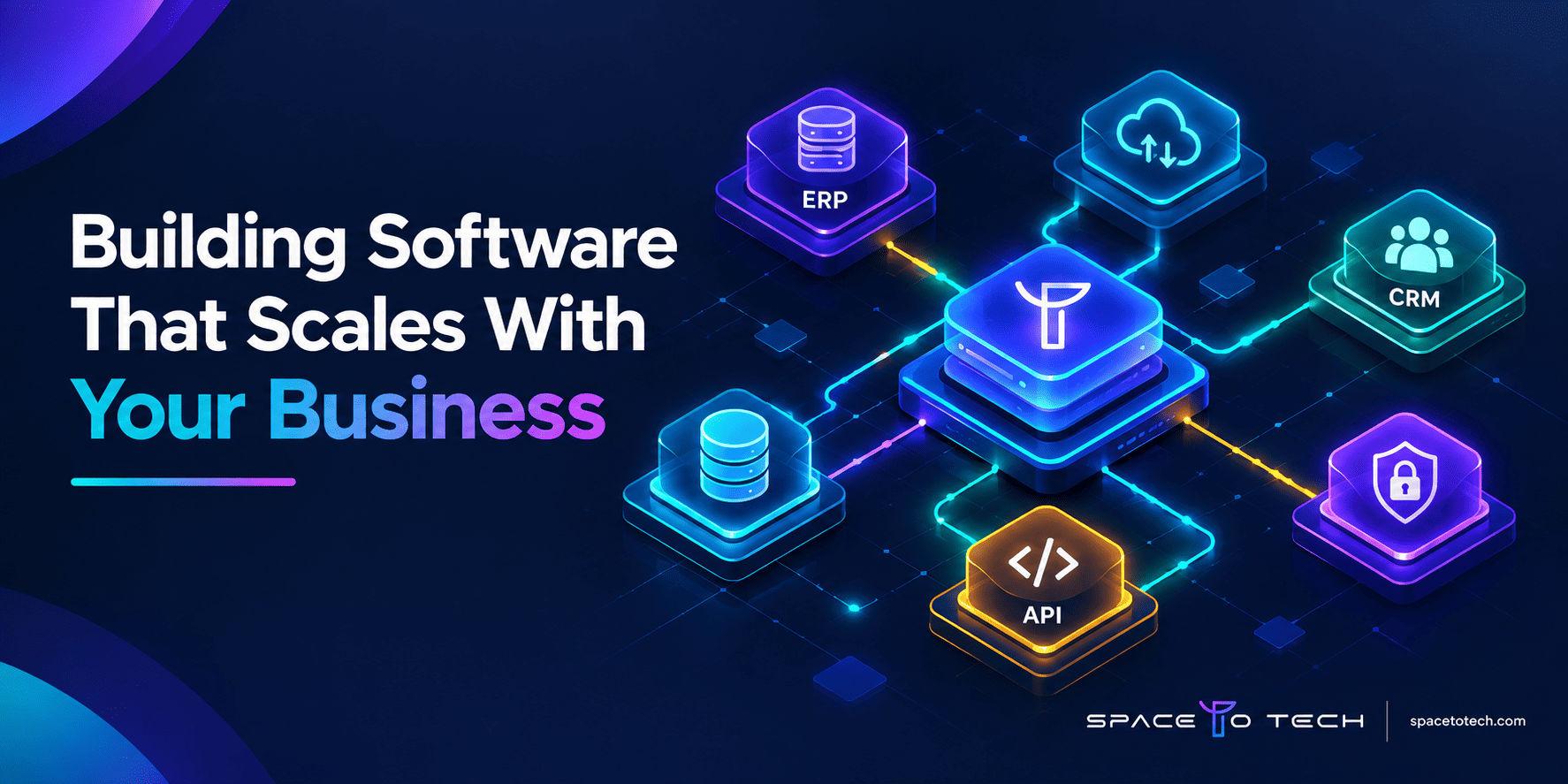
- Integration: it connects cleanly with ERP, CRM, HR, and legacy systems already in place
- Security: enterprise applications carry stricter access control, audit, and data protection requirements
- Ownership: the organization owns the codebase, the data model, and the long term roadmap
- Governance: changes and access follow formal internal processes rather than ad hoc updates
Enterprise software development and custom enterprise software overlap but are not identical. Enterprise software development can include configuring a commercial platform for enterprise use, while custom enterprise software means the system is purpose built around one organization's exact requirements from the ground up. For a broader look at how custom software projects are scoped, priced, and delivered outside the enterprise context, our custom software development guide covers the fundamentals in more depth.
Custom Enterprise Software vs SaaS and Off the Shelf Software
One of the first decisions any enterprise faces is whether to build custom enterprise software, subscribe to a SaaS platform, or buy an off the shelf system. There is no universally correct answer. Each model fits a different combination of budget, timeline, and operational complexity.
When SaaS or Off the Shelf Software Makes Sense
SaaS and off the shelf tools work well when the underlying process is fairly standard across companies, such as basic accounting, email marketing, or general help desk ticketing. They are faster to deploy, require less upfront investment, and come with built in updates and support.
When Custom Enterprise Software Makes More Sense
Custom enterprise software becomes the stronger option when workflows are unique to the business, when multiple legacy systems need to work together in a specific way, when data ownership and compliance requirements are strict, or when a generic tool would force the organization to change how it operates just to fit the software.
Custom vs SaaS vs Off the Shelf Comparison
| Factor | Custom | SaaS | Off the Shelf |
| Customization | High | Low | Low to moderate |
| Integration | Built to fit | Depends on vendor APIs | Limited |
| Ownership | Full | None (subscription) | Limited |
| Scalability | Built for the organization | Depends on plan tier | Often capped |
| Compliance | Fully controllable | Depends on vendor | Depends on vendor |
| Upfront investment | Higher | Low | Low to moderate |
| Time to deployment | Longer | Fast | Fast |
| Long term control | Full | Limited | Limited |
Custom is not automatically the right answer for every enterprise. A mature organization with straightforward, industry standard processes may get more value from a strong SaaS platform than from building and maintaining custom software. The right choice depends on how unique the workflow actually is, not on which option sounds more advanced.
Core Features of Enterprise Software
Once a business decides custom enterprise software is the right direction, certain features come up in almost every serious implementation.
Single Sign On and Enterprise Identity Management
Single sign on (SSO) allows employees to access multiple internal systems with one set of credentials, reducing password fatigue and giving IT teams centralized control over enterprise identity management.
Role Based Access Control
Role based access control restricts what each user can see and do based on their function, which keeps sensitive data limited to the people who genuinely need it.
Audit Logs and Compliance Trails
Audit logs record who accessed or changed what, and when, which supports both internal accountability and enterprise data security requirements during external audits.
Multi Tenant Architecture and Scalability
For organizations serving multiple business units, subsidiaries, or client groups from one platform, multi tenant architecture keeps data properly separated while supporting enterprise scalability as usage grows.
Enterprise Dashboards and Reporting
Enterprise dashboards and reporting give leadership real time visibility into operations, consolidating data from multiple systems into a single, decision ready view.
Enterprise Software Architecture
Architecture decisions made early in an enterprise software project shape how easily the system scales, integrates, and gets maintained years later.
Monolithic vs Modular Monolith vs Microservices
A monolithic build keeps the entire application as one deployable unit, which is simpler to manage early on but harder to scale selectively. A modular monolith organizes the code into clearly separated modules while still deploying as one unit, offering a middle ground. Microservices break the system into independently deployable services, which adds operational complexity but allows teams to scale and update individual parts of the platform without touching the rest.
Cloud Native, Hybrid and On Premise Architecture
Enterprise software can run fully in the cloud, on premise, or in a hybrid setup that keeps sensitive workloads local while using cloud infrastructure for everything else. The right fit depends on compliance needs, existing infrastructure investment, and how much control the organization wants over its own servers.
API First Enterprise Architecture
An API first approach designs the interfaces between systems before building the systems themselves, which makes it far easier to connect ERP, CRM, and other enterprise tools later without reworking core logic.
Designing for Scalability and High Availability
Enterprise applications need to stay available during peak load, planned maintenance, and unexpected failures. This usually means load balancing, redundant infrastructure, and a clear failover plan built into the enterprise cloud architecture from day one, not added afterward.
ERP, CRM and Third Party Enterprise Integrations
Very few enterprise systems operate in isolation. Integration is often the single biggest technical challenge in an enterprise software project.
Common Enterprise Integration Points
Enterprise software typically needs to connect with ERP platforms, CRM systems, HR software, payment systems, data warehouses, legacy databases, and analytics platforms already in use across the organization.
Enterprise Integration Approaches
Integration can be handled through direct APIs, middleware, integration platform as a service (iPaaS) tools, custom connectors built for a specific system, or event driven integration that reacts to changes in real time.
ERP and CRM Integration
ERP integration and CRM integration are usually the highest priority because these systems hold the operational and customer data that the rest of the business depends on. Poor enterprise system integration in this area creates duplicate data entry and reporting gaps that compound over time.
Legacy System Integration
Legacy system integration often requires custom API integration or middleware, since older systems were rarely built with modern connectivity in mind. This is one of the more time consuming parts of enterprise data integration and should be scoped carefully during discovery.
Legacy System Modernization
When Does an Enterprise Need Legacy Modernization?
Signs it is time for legacy system modernization include systems that can no longer scale, vendors that have stopped supporting the platform, integrations that require constant manual workarounds, or a growing gap between what the business needs and what the software can do.
Rehost vs Replatform vs Refactor vs Rebuild
Rehosting moves the existing system to new infrastructure with minimal code changes. Replatforming makes moderate changes to take advantage of a new environment. Refactoring restructures the code without changing its external behavior. Rebuilding replaces the system entirely. Each option carries a different balance of cost, risk, and long term value.
Strangler Pattern for Incremental Modernization
The strangler pattern gradually replaces pieces of a legacy system with new components while the old system keeps running, reducing the risk of a single, high stakes cutover.
How to Reduce Modernization Risk
Reducing risk during enterprise modernization usually means running the old and new systems in parallel for a period, migrating data in stages, and testing each replaced component thoroughly before retiring the legacy piece it replaces.
Enterprise Software Security and Compliance
Security by Design
Security by design means access control, encryption, and data protection are built into the architecture from the start, rather than layered on after development is complete.
Identity, Access Control and Auditability
Strong enterprise identity management, role based access control, and audit logs work together to limit exposure and give the organization a clear record if something goes wrong.
Data Protection and Compliance Considerations
Depending on the industry and geography, enterprise software may need to align with frameworks such as SOC 2, ISO 27001, GDPR, HIPAA, or PCI DSS. Not every enterprise application needs to comply with every framework. The right requirements depend on the data being handled, the industries served, and where users and customers are located.
Workflow Automation and AI Integration
Enterprise Workflow Automation
Enterprise workflow automation removes repetitive manual steps from processes like approvals, invoice processing, and data entry, freeing employees to focus on work that actually requires judgment.
Where AI Can Fit Into Enterprise Software
AI can support enterprise software through predictive analytics, document processing, intelligent search, personalized recommendations, decision support, and AI assistants embedded directly into existing workflows rather than as a separate tool employees have to switch to.
AI Governance in Enterprise Applications
Introducing AI into enterprise systems raises governance questions around data privacy, access control, human oversight, model monitoring, and responsible use. These need to be addressed alongside the technical implementation, not after the fact.
Organizations looking to introduce machine learning, generative AI, or intelligent automation into enterprise applications can explore AI development services as part of a broader modernization strategy.
Scalability and Performance Engineering
Scalability is not only an architecture decision, it is an ongoing engineering discipline. As user counts, data volume, and integration traffic grow, enterprise systems need performance testing, caching strategies, database optimization, and infrastructure that can scale horizontally rather than requiring a full re architecture every time usage doubles. Building this in early, even at modest scale, is significantly cheaper than retrofitting it once the platform is already under heavy load.
Enterprise Software Use Cases
Enterprise software use cases are more useful when framed around an actual business problem rather than a generic industry list.
Finance and Accounting
Problem: manual reconciliation and disconnected reporting across departments. Solution: a custom platform integrated with the general ledger and reporting tools that automates reconciliation and gives finance teams a single source of truth.
Sales and Customer Operations
Problem: sales and support teams working from different views of the same customer. Solution: enterprise software that integrates CRM data with support tickets and order history for a unified customer record.
HR and Workforce Management
Problem: onboarding, payroll, and performance tracking spread across multiple disconnected tools. Solution: a unified HR platform integrated with payroll and identity management systems.
Supply Chain and Logistics
Problem: limited visibility into inventory and shipment status across multiple locations. Solution: custom software integrated with warehouse and logistics systems for real time tracking.
Healthcare
Problem: patient data spread across systems that do not communicate. Solution: enterprise software built with strict compliance and interoperability requirements to unify records securely.
Financial Services and FinTech
Problem: regulatory reporting and fraud monitoring across multiple products. Solution: custom enterprise software with strong audit trails and integration with core banking or payment systems.
Manufacturing
Problem: production data isolated from planning and procurement systems. Solution: enterprise software connecting shop floor systems with ERP for accurate planning.
Reviewing previous software projects can also help decision makers understand how a development partner approaches different business requirements. Explore our software development portfolio for examples of digital products delivered across industries.
Enterprise Software Development Process
Enterprise software development process typically follows a structured sequence, even when individual projects are managed with agile sprints inside that structure.
Discovery and requirements gathering establishes what the business actually needs, not just what stakeholders initially ask for. Business process and workflow analysis maps how work actually happens day to day, which often reveals gaps between assumed and actual processes. Architecture and technical planning lock in the technology decisions covered earlier in this guide. UX/UI design focuses on making complex enterprise workflows usable for the employees who will work in the system daily, not just visually polished.
Development is usually organized into iterative cycles so stakeholders can review working software regularly rather than waiting until the end. Integration work connects the new system with ERP, CRM, and other tools identified during discovery. QA and security testing validates functionality, performance under load, and vulnerability exposure before anything reaches production. Deployment and change management covers the actual rollout, including training and communication so employees adopt the new system smoothly. Post launch maintenance keeps the platform updated, secure, and aligned with evolving business needs long after the initial launch.
How Long Does Enterprise Software Development Take?
Enterprise software development timeline depends heavily on scope, integrations, and compliance requirements, so any number without context should be treated cautiously.
| Project Complexity | Indicative Timeline |
| Proof of concept | 4 to 8 weeks |
| MVP or focused system | 3 to 5 months |
| Mid complexity enterprise application | 5 to 9 months |
| Large enterprise platform | 9 to 18 months or more |
These ranges are planning estimates, not fixed commitments. Integrations, compliance requirements, data migration complexity, the number of workflows involved, and team structure all materially affect how long an enterprise software development project actually takes.
How Much Does Enterprise Custom Software Development Cost?
What Drives Enterprise Software Cost?
Enterprise software cost is shaped by overall complexity, the number of modules, the number and difficulty of integrations, how many user roles need distinct permissions, security and compliance requirements, data migration scope, whether AI features are included, infrastructure choices, team composition, and timeline.
Enterprise Software Pricing Models
Enterprise projects are typically priced through a fixed price model for well defined scope, time and materials for evolving requirements, a dedicated team model for long term ongoing development, or milestone based pricing tied to specific deliverables.
How to Build an Enterprise Software Budget
Rather than anchoring to a single dollar figure, it is more useful to build a budget around the cost drivers above, then get a detailed estimate once requirements and integrations are clearly scoped. For a broader breakdown of project pricing factors and regional considerations, see our guide to custom software development cost.
ROI and Total Cost of Ownership
How to Evaluate ROI
Evaluating ROI on enterprise software means looking beyond the initial build cost to revenue impact, cost reduction, productivity gains, error reduction, time savings, operational efficiency, and customer experience improvements over the system's full lifespan.
Comparing TCO: Custom vs SaaS
Total cost of ownership for custom software includes development, hosting, and maintenance, while SaaS shifts much of that into recurring subscription fees. Custom software often costs more upfront but can offer lower long term costs and more control once the platform matures.
What Should Be Included in TCO?
A realistic TCO calculation includes implementation, licensing, integrations, infrastructure, ongoing maintenance, upgrades, future migrations, and staff training, not just the initial development invoice.
Beyond implementation cost, decision makers should evaluate productivity gains, operational savings, revenue impact, and long term ownership when assessing software ROI.
How to Choose an Enterprise Software Development Partner
Choosing the right enterprise software development partner is often the difference between a platform that fits the business for years and one that needs to be rebuilt within eighteen months.
What to Evaluate in a Development Partner
Look for enterprise experience, relevant domain expertise, architecture capability, integration experience, security practices, QA maturity, clear communication, sensible ownership and IP terms, ongoing maintenance capability, and references or case studies that reflect similar project complexity.
Questions to Ask Before Hiring
Ask how the team handles requirement changes mid project, how they approach integration with existing systems, what their QA and security testing process looks like, and how support works after launch.
Red Flags to Watch For
Be cautious of vendors who avoid discussing architecture decisions, cannot explain their integration approach in specific terms, or push a fixed price for a project whose scope has not been properly defined yet.
How to Compare Vendors by Geography
Geography still matters when evaluating a partner, particularly for enterprises weighing offshore delivery against a fully local team. If you are exploring outsourcing options, comparing enterprise software developers in India can help you assess technical depth, delivery models, communication practices, and enterprise experience before shortlisting a partner.
It also helps to look beyond a single vendor and see how the broader market compares. Reviewing custom software development companies in India gives a sense of pricing structures, delivery styles, and communication norms across India based teams.
For enterprises that prefer a fully local engagement, a similar comparison of custom software development companies in the USA can serve as a useful benchmark before finalizing a shortlist.
Enterprise custom software development works best as a long term investment rather than a one time purchase decision. The right architecture, integrations, security posture, and delivery partner determine whether the platform still fits the business five years from now, so it is worth taking the evaluation as seriously as the technical planning itself.
If you are evaluating a long term technology partner, you can also explore how our custom software development company approaches software strategy, development, and delivery.