Custom web development vs CMS is one of the first decisions in a website project, and neither option is right for every business. A CMS offers speed and familiar editing tools, while custom development offers control over features and workflows. The better fit depends on your requirements, budget, timeline and how much your needs are likely to change. This guide explains how each route works, what each involves over three years, and which situations tend to suit which approach, so you can decide with clear criteria before you brief a vendor.
What Is the Difference Between Custom Web Development and a CMS?
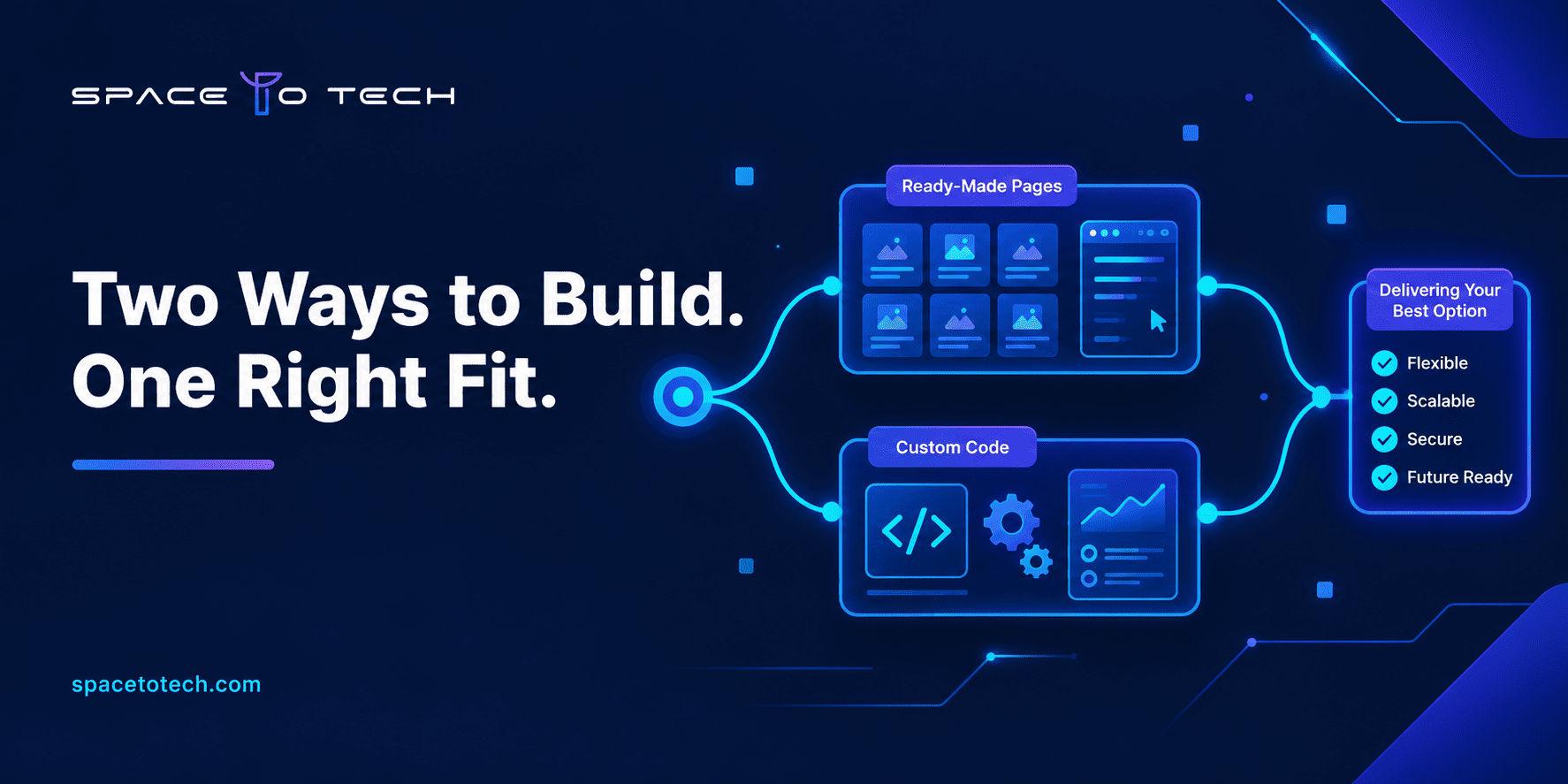
A CMS gives you a ready-made platform to configure, while custom web development builds the software from scratch around your requirements. Both are valid, and the real difference is how much already exists on day one.
What is a CMS-based website?
A content management system such as WordPress, Webflow, Drupal or Shopify provides an editor, user accounts, hosting options and a large library of themes and plugins. The agency's work is mostly design, content structure, performance and sensible plugin choices. You are buying speed and an editing screen your team already knows.
What is custom web development?
A custom build is designed and developed around your specific requirements instead of being configured inside an existing platform. That does not mean everything is written from scratch. Developers commonly use established frameworks, libraries and reusable components, then build the data model, user roles, integrations and interface your business needs. Projects also vary widely, from a marketing site with a bespoke editor to a full platform, and the types of web development involved change the effort a lot.
Can you combine a CMS with custom development?
Yes, and many teams choose this route. A headless CMS can handle publishing while a custom front end and custom services handle the features specific to your business. The cost depends on the project requirements and the architecture: a hybrid setup can cost less or more than the alternatives depending on scope and integrations, so it should be priced against your actual needs. It suits teams that publish often but also run real product logic.
Custom Web Development vs CMS: Key Differences
Neither route wins on every factor, and the table below shows where each one tends to fit better.
Factor | Ready-made CMS | Custom development |
|---|---|---|
These are general tendencies, not rules. A badly planned plugin stack can cost more than a clean custom build, and a rushed custom project can run later than a well-managed CMS launch.
When Should You Choose a Ready-Made CMS?
Choose a CMS when your requirements are common and your content team needs to move quickly.
Business websites and company blogs
Marketing sites, blogs, resource hubs and company pages are what a CMS was designed for. Editors publish without a developer, and the ecosystem already handles SEO fields, redirects and media. Rebuilding that from scratch rarely pays off.
Tight budgets and short timelines
If you need to launch for a funding round, a campaign or a product announcement, a CMS gets you live sooner. You can invest in custom features later, once you know which ones users actually ask for.
Teams without in-house developers
A CMS lets non-technical staff change pages, menus and forms themselves. That independence has real value when every small edit would otherwise wait in a developer queue.
When Is Custom Web Development the Better Choice?
Custom work starts to make sense when the platform becomes the constraint instead of the tool.
Complex workflows and integrations
The warning signs are familiar: plugins stacked up to fake a workflow, awkward permission rules, and data that must sync with a CRM, ERP or payment system in a specific way. At that point you are paying for workarounds. A team that practices custom software development can model the process directly instead of bending a template around it.
Portals, dashboards and SaaS products
Customer portals, booking systems, internal dashboards and SaaS products behave like applications, not pages. They need authentication, role logic, data handling and testing. If that describes your project, plan for custom web applications built by engineers, not a theme with extra plugins.
Performance and scale requirements
If you expect heavy traffic, large data sets or unusual response-time targets, custom architecture gives you control over caching, databases and infrastructure. A CMS can scale too, but you work within its limits.
Signs your CMS is no longer enough:
- You rely on several plugins to imitate one business process.
- Every new feature request starts with "the platform can't do that."
- Updates regularly break something else on the site.
- Your integrations are fragile or manual.
- Page speed or admin screens slow down as content grows.
Website vs Web Application: Does It Change Your Decision?
It often does. A website mostly presents information, while a web application lets users log in, enter data and trigger actions. The more your project looks like an application, the more custom development makes sense. If you are still unsure which one you are planning, our comparison of website vs web application walks through the differences and the questions to ask first.
Custom Website vs CMS: Cost and Long-Term Maintenance
The cheaper launch is not always the cheaper project, so compare three years instead of three months.
Initial development costs
A CMS project pays mainly for design, setup, theme work and a handful of integrations. A custom project pays for discovery, architecture, design, development and testing before anything goes live. That is why custom quotes are usually higher at the start. Rates also differ a lot by region, and a reference such as the cost to hire a web developer in India helps you sanity-check what a quote should look like.
Hosting, licences and maintenance
For a CMS, add premium plugin licences, hosting that copes with traffic, developer time for updates and the cost of fixing plugin conflicts. For a custom build, add hosting, monitoring, dependency updates, bug fixes and the cost of changing features as your needs shift. Neither route is free to run.
Total cost of ownership over three years
Compare both routes using the same project scope and assumptions, and ask every vendor to price year one (build), year two (upkeep) and year three (changes) on that basis. A CMS often looks cheaper in year one, and a custom build can close the gap if you would otherwise keep paying for workarounds, but neither outcome is guaranteed. If a quote covers only the launch, you are not seeing the real number. The table lists the cost factors to compare. It has no figures because they depend entirely on your scope.
Cost factor | CMS-based solution | Custom development |
|---|---|---|
CMS vs Custom Development for SEO, Performance and Security
Neither approach automatically wins here, because results depend on how the site is built and maintained.
SEO. Both routes can rank well. A CMS ships with SEO fields, sitemaps and redirects, while a custom build needs those features built deliberately. What matters is clean URLs, fast pages, crawlable content and correct metadata.
Performance. A lean custom build can be very fast, and a bloated plugin stack can be very slow. A well-configured CMS with caching can perform perfectly well for most business sites.
Security. CMS sites inherit risk from outdated plugins and weak admin accounts. Custom sites inherit risk from the code written for them and from every library they use. Whichever route you take, work through a website security checklist and agree in writing who patches what after launch.
Which Approach Fits Which Business Need?
The matrix below gives general recommendations only. The final choice depends on your actual requirements, budget, timeline and plans for growth.
Business need | Often suits | Why |
|---|---|---|
How to Choose: A Practical Checklist
Answer these seven questions honestly, and the right route usually becomes clear.
- Is the site mainly content, or does it run business logic for logged-in users?
- How many systems must it connect to, and how exact must the data flow be?
- Who will edit content, and how often?
- How soon must it launch?
- What is the three-year budget, not only the launch budget?
- Do you have people to maintain it, or will a vendor?
- How much change do you expect in the next two years?
Mostly content, tight timeline and standard features point to a CMS. Heavy logic, many integrations and fast-changing requirements point to custom. A mix of both points to the hybrid route. When you are ready to talk to vendors, it helps to compare web development companies using the same list of questions, so the answers are easy to put side by side.
Making the Right Call
Start with the problem, not the technology. If your needs are standard and speed matters, buy a CMS and spend the saved budget on content and conversion. If your process is unusual, your integrations are heavy or the site is really a product, custom development is easier to justify. For many growing companies, a hybrid setup deserves a serious look. If you want a second opinion on your own project, an experienced software development company can review your requirements and tell you which route fits, including when the honest answer is a CMS.