Most retailers do not wake up one morning and decide they want custom software. They get there slowly. A stockroom count that never matches the system. A pricing rule that lives in a spreadsheet only one person understands. An online order that sells an item the store sold ten minutes earlier. Custom retail software development is the practice of building software around those specific workflows, instead of bending your operations to fit a generic product.
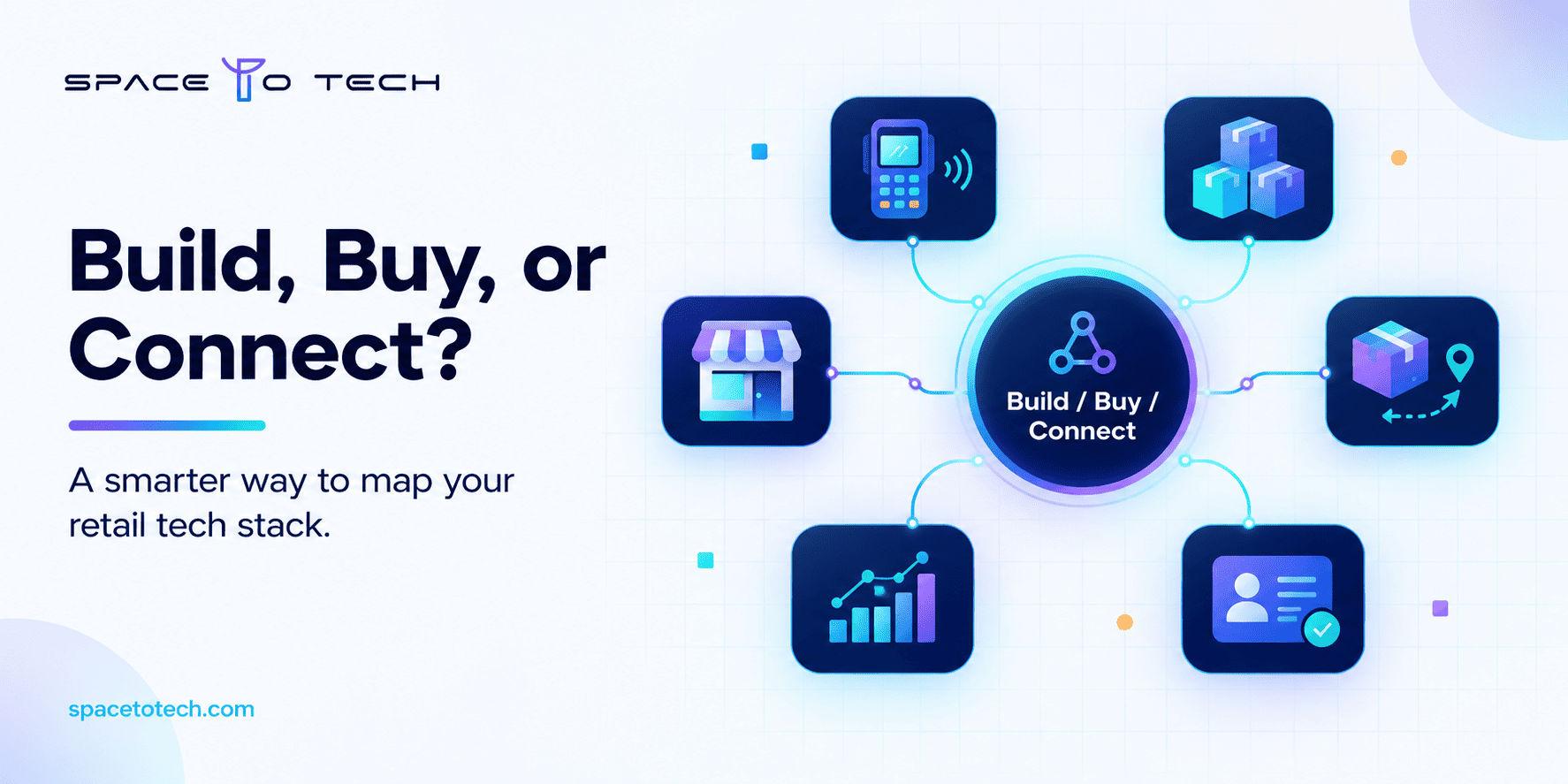
That does not mean building everything from scratch. In most cases the smarter move is a mix: buy the commodity pieces, build the parts that make your business different, and connect everything with a clean integration layer. If your team is weighing this choice, a structured discovery phase helps you compare each option before any code is written.
This article explains what retail systems can include, how to tell when standard tools stop working, and a practical way to decide what to build, buy, or integrate.
What Is Custom Retail Software Development?
Retail software development covers the design, build, and maintenance of the systems a retailer runs on: inventory, billing, orders, customer data, reporting, and the connections between them. The word custom changes the approach. Rather than subscribing to a finished product and adjusting its settings, you build software shaped around how your stores, warehouses, and online channels actually operate.
It helps to separate three things that often get mixed up.
- Configuring an existing platform means using the options the vendor already built. It is fast, but you live within their limits.
- Extending a platform means adding custom modules or apps on top of it through APIs. This is often the sweet spot.
- Building means creating a system, or a major component, from the ground up for your own rules.
Good retail software solutions usually use all three at different points in the stack. If you want the broader foundation first, our custom software development guide explains how tailored software projects are planned and delivered in general terms.
Types of Retail Software Businesses Can Build or Extend
Before deciding what to build, it helps to see the map. Retail rarely runs on one system. It runs on several, and each owns a different slice of the data.
Not every retailer needs every row. A single-location boutique and a regional chain with a warehouse have very different needs, and the table should be read as a menu, not a checklist.
Inventory and Multi-Store Management
Inventory is where most retailers feel the pain first. Standard retail inventory management systems handle stock counts and reorder alerts well. They start to strain when you need rules like transferring stock between stores based on local sell-through, reserving units for online orders, or managing items that exist as bundles, variants, and seasonal lots at the same time.
This is where multi store retail management software built around your own replenishment logic can remove a lot of manual work. The point is not a fancier dashboard. It is giving every location the same trustworthy view of what is on the shelf, what is in transit, and what is already promised to a customer.
POS, Billing, and Checkout Workflows
For many retailers, a standard POS is enough, and replacing it is rarely worth the risk. Custom POS software development earns its place in narrower situations: unusual discount and approval rules, checkout flows tied to appointments or custom orders, offline selling in locations with unreliable connectivity, or hardware combinations that off-the-shelf products do not support.
A useful rule: if the checkout screen is not the problem, do not rebuild it. Often the better fix is connecting the existing POS to your inventory and order systems properly.
Retail Order Management and Omnichannel Fulfillment
Once customers can buy online, pick up in store, return somewhere else, and ship from the nearest location, order handling becomes a coordination problem. A retail order management system decides where each order is fulfilled from, tracks it, and keeps stock accurate while it moves.
An omnichannel order management system matters most when your channels share inventory. Without one, you get oversells, delayed shipments, and returns that nobody can reconcile. Custom logic is helpful when your routing depends on things a standard tool cannot see, such as store capacity, delivery promises, or supplier lead times.
Retail ERP, CRM, Loyalty, and Analytics
A retail management system ties these pieces together, but it should not try to be everything. Most retailers are better served by keeping a proven ERP for finance and purchasing, then building the thin custom layers around it.
Retail analytics software is a good example. The value is rarely in drawing charts. It comes from combining sales, stock, returns, and customer behavior that currently sit in separate tools, so a category manager can answer a simple question without waiting for someone to build a spreadsheet.
Signs Your Retail Business May Need Custom Software
None of the signals below prove you need a custom build on their own. Several of them together usually do.
- Your team keeps a spreadsheet alongside the system, and the spreadsheet is the version people trust.
- The same product shows different stock levels in the store, the warehouse, and online.
- You have pricing, promotion, or approval rules that your current retail store software cannot express.
- Adding a new store or sales channel means weeks of manual setup.
- Reports take days because data has to be pulled from several tools and cleaned by hand.
- You pay for several subscriptions that overlap, yet a critical workflow still runs through email and chat.
If you recognize two or three of these, the next step is not coding. It is mapping the workflow and finding where information gets stuck.
Custom vs. Off-the-Shelf Retail Software: How to Decide
The custom vs off-the-shelf retail software question has no universal answer. Here is a balanced view.
There are also clear cases where you should not build. If your requirements are standard, your processes are simple, your budget is tight, or you have nobody internally to own the product after launch, a supported off-the-shelf tool is usually the better choice.
What Should You Build, Buy, or Integrate?
Treating this as one all-or-nothing decision is where many retail projects go wrong. Decide capability by capability.
A simple way to prioritize is to score each candidate on five questions:
- How much business impact would fixing this create?
- How often does the team work around it today?
- How feasible is it to integrate with your current systems?
- How risky is the build if it goes wrong?
- What does a failure cost, in lost sales or manual effort?
The capability with high impact, frequent workarounds, and manageable risk is usually the right first project.
Essential Features and Integration Considerations
No feature list fits every retailer, so think in terms of foundations rather than a long wish list.
- Role-based access. Cashiers, store managers, buyers, and finance staff should see only what they need.
- Audit logs. You should be able to trace who changed a price, adjusted stock, or issued a refund.
- Real-time or near real-time data synchronization. Stock and order status need to match across channels.
- Reporting. Reports should answer operational questions, not just display totals.
- Security and backups. Payment security, data privacy, monitoring, and a tested recovery plan are part of the build, not extras.
- Offline resilience. If stores lose connectivity, selling should not stop.
Retail software integration deserves more attention than it usually gets. Most projects do not fail because a feature was missing. They fail because the new system cannot exchange clean data with the POS, ERP, or storefront already in use. Plan for APIs, middleware where needed, and a realistic data migration, including cleaning product and customer records before they move.
If store staff will use the system on the shop floor, a companion mobile experience built with React Native can give associates stock lookup, order pickup, and returns handling from a single app on both iOS and Android.
Custom Retail Software Development Process
If you are wondering how to build retail management software without turning it into a multi-year gamble, a phased approach works best.
- Discovery and workflow mapping. Sit with store teams, warehouse staff, and finance. Document how work actually happens, not how the process document says it should.
- Requirements and data audit. List the systems involved, the data each one owns, and where records are inconsistent.
- Build, buy, or integrate decision. Use the framework above for each capability.
- MVP. Pick one high-friction workflow, such as inventory transfers between stores, and build only that.
- Integration and testing. Test with real data and real edge cases, including returns, partial shipments, and bad connectivity.
- Rollout. Start with one location or one team, collect feedback, then expand.
- Monitoring and iteration. Track results and improve in small releases.
Decide upfront how you will measure success. Useful indicators include inventory discrepancy rate, order processing time, manual reconciliation effort, stockout and oversell incidents, report preparation time, and how many staff actually use the new system.
Cost and Timeline Factors to Plan For
Honest numbers depend on scope, so be careful with anyone who quotes a retail software development cost before understanding your workflows. These are the factors that move the budget most:
- The number of systems that must connect
- The number of locations and users
- Data migration volume and quality
- Offline support requirements
- Security, compliance, and audit needs
- Depth of testing across devices and edge cases
- How much scope is delivered in the first phase
Look beyond the build itself. Total cost of ownership also includes hosting, monitoring, training, support, and future changes. If part of your plan involves a customer-facing shopping app, our breakdown of e-commerce app development cost covers that piece in detail. Teams that need US-specific pricing can also review custom software development cost in the USA.
How to Choose a Retail Software Development Partner
A good retail software development company will ask more questions than it answers in the first meeting. When you evaluate partners, look for:
- A real discovery process that maps your workflows before proposing features
- Experience connecting systems such as POS, ERP, and storefronts
- Clear scope, milestones, and change handling
- Testing practices that include integration and edge cases
- Security practices you can verify, and clear terms on code and data ownership
- Post-launch support, so the system is not abandoned after delivery
When comparing retail software development services, ask how the team handles a project that changes direction halfway through. The answer reveals more than any portfolio slide.
Buyers who want to compare providers by market can also look at our guides to the top custom software development companies in India and the top custom software development companies in the USA. If you would rather talk through your own project first, our custom software development company page shows how we approach scoping and delivery.
If your team is stuck between another subscription and a custom build, start by writing down the one workflow that causes the most daily friction. That is usually the right place to begin. SpaceToTech can help you assess whether that workflow needs a custom build, an extension, or just a better integration. You can also browse our recent software projects or talk to us about your retail workflow.